A dispatcher starts the day with thirty jobs and twenty drivers and riders. Some jobs need a hazardous-goods qualification, some need a chilled vehicle, and some drivers are close to their weekly hours.
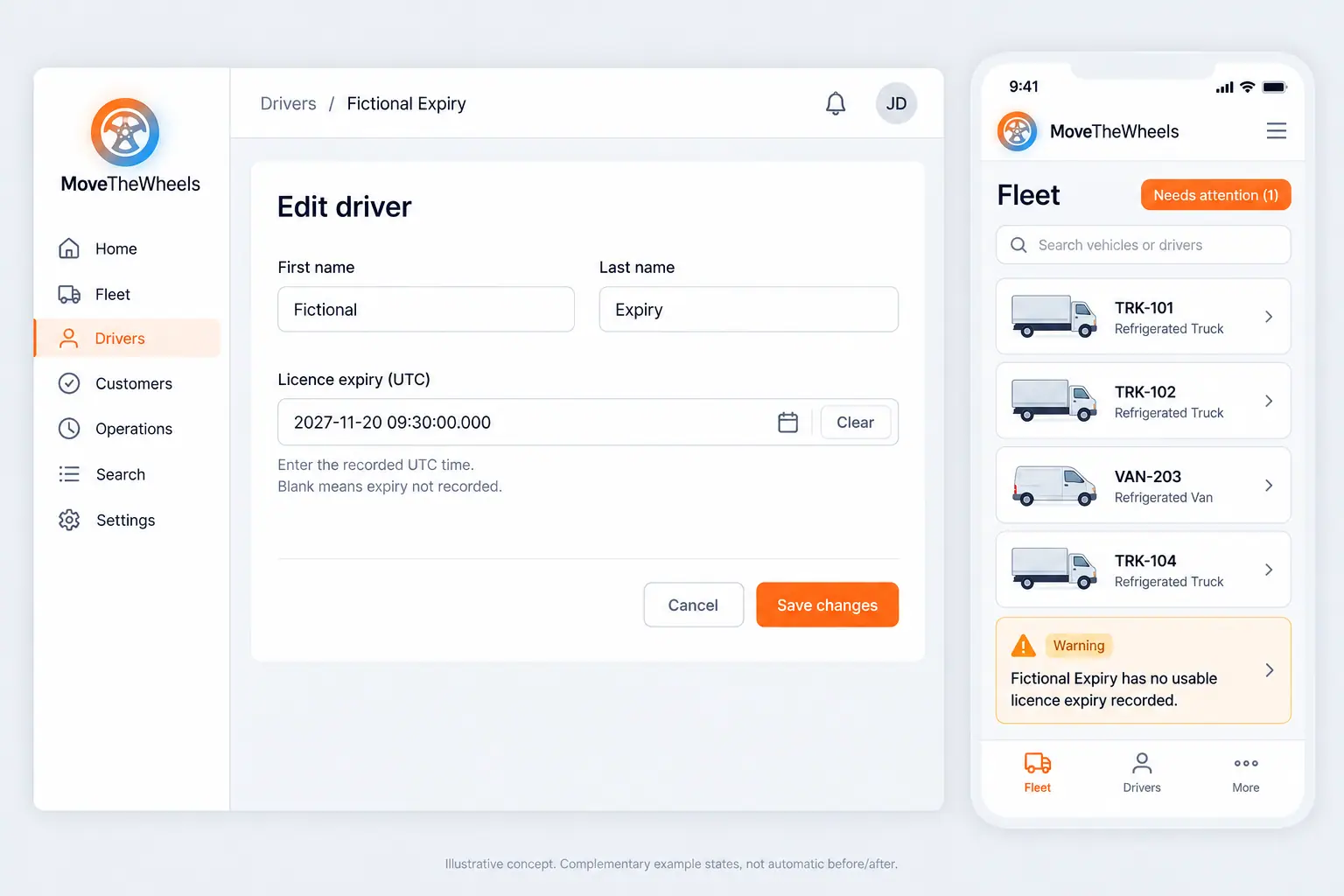
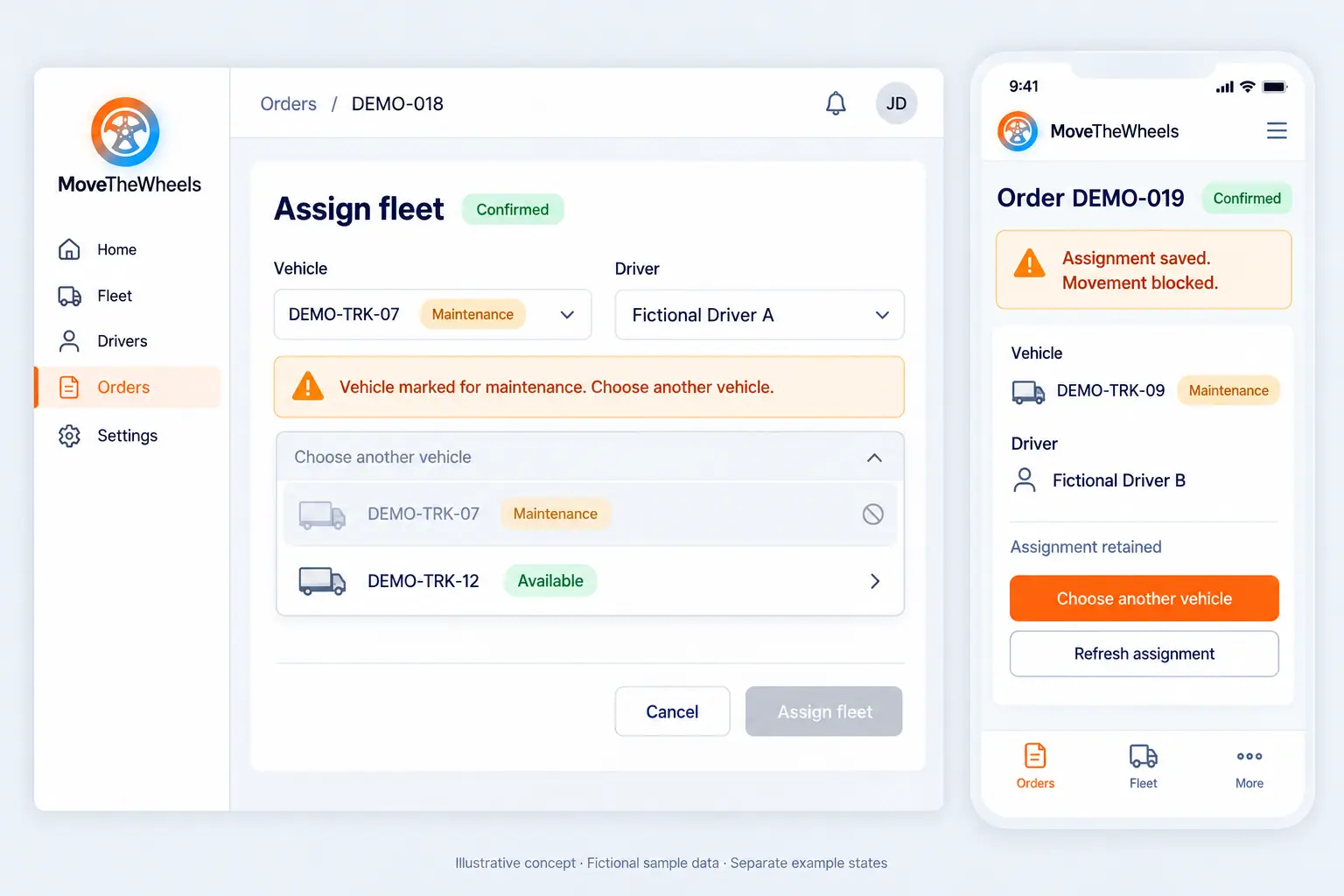
MoveTheWheels shows who can take each job: qualified for the goods, rested under the working-time rules, with a suitable vehicle and close to the pickup. The dispatcher assigns jobs with a drag and a drop, or accepts the co-pilot's proposed plan and adjusts it.
Each driver and rider receives their day in their own language: jobs, stops, instructions and the documents they will need. When something changes, the update goes to the person it affects, with the reason, instead of a phone call in traffic.
Ready to make this your story?