Warehouse & InventoryWarehouse Lead

Define every SKU once, with handling rules that travel with it

A shared goods catalog where hazmat, cold-chain, and fragile flags follow the item from order to delivery

Define every SKU once, with handling rules that travel with it

A warehouse lead maintaining reference data knows the real risk isn’t losing a box — it’s moving the wrong box the wrong way. A drum that should never sit next to a heat source, a pallet that has to stay under temperature, a crate that can’t be stacked. MoveTheWheels keeps that knowledge on the item itself, not in someone’s head.

Each item in the catalog carries a SKU, category, brand, physical attributes — dimensions, weight, and value — and the handling flags that matter: hazardous, fragile, and temperature-controlled. You define the item once, with the rules it needs to travel by, instead of re-describing it on every order and every stock count.

Because the catalog is first-class shared reference data, inventory tracks stock against these items, order line items reference them, and shipments inherit what they are — so the handling flags travel with the goods from the catalog into fulfillment and transport decisions. When a cold-chain item shows up on a load, the record already says so; nobody has to remember.

Adding an item is a handful of fields, and from there the whole network speaks one vocabulary. A duplicate SKU is rejected, and archiving an item you no longer stock keeps history intact so past orders and inventory still resolve — the catalog stays clean without erasing the trail behind it.

Illustrative scenario for a pre-launch platform — describing the shared-catalog experience being built.

Do it yourself

Build a shared goods catalog — open the Products view, register an item with its SKU and physical attributes, set its handling flags, and see inventory and orders reference the same definition.

0 / 6
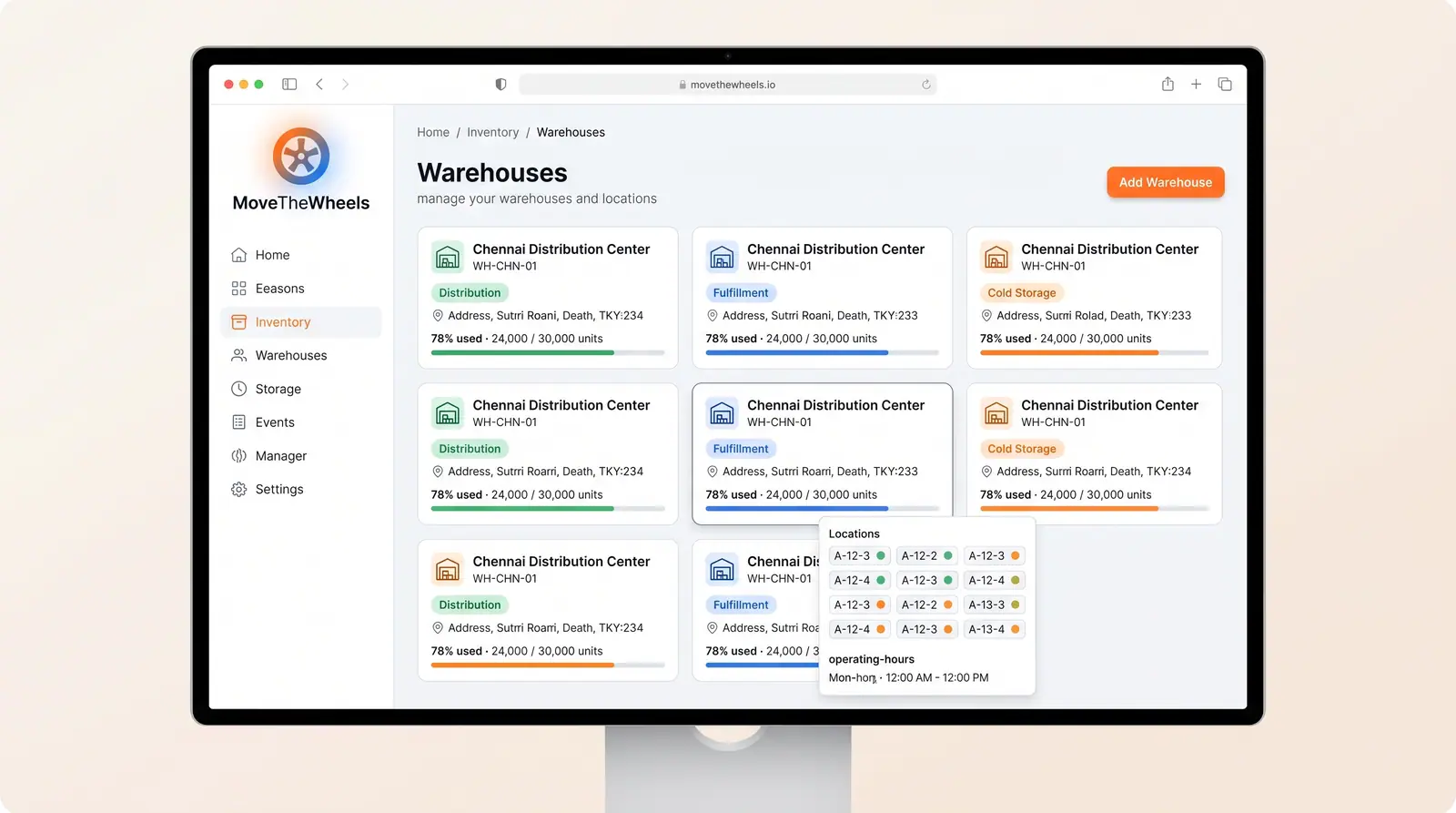
  1. Go to the Products view under Inventory to see the goods catalog with category, SKU, and search filters.

    You should see: The catalog loads with your existing items and an Add Product button.

    Open in app

Ready to make this your story?