AI NativeOperations Manager

Ask the assistant from any screen, and let it act under your permissions

A floating assistant on every logistics page — grounded in your workspace and metered per turn

Ask the assistant from any screen, and let it act under your permissions

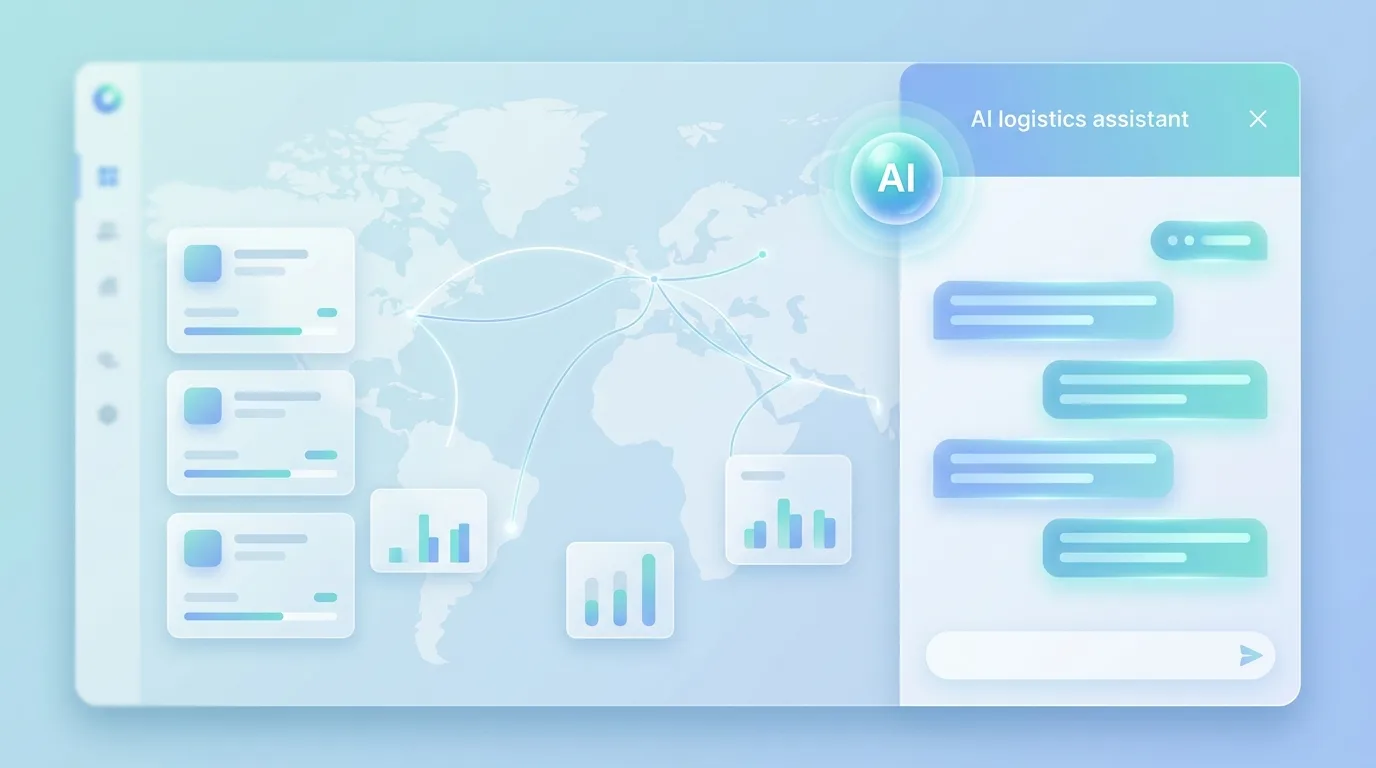
The assistant in MoveTheWheels is not a destination you navigate to. It is a widget in the corner of every logistics screen, labelled for this product — ask about shipments, fleet, routes, warehouses and orders — so the question happens where the work happens, on the tracking board or halfway through a dispatch.

Behind it sits the shared assistant runtime, configured specifically for MoveTheWheels and with AI credits switched on. That has a practical consequence: a turn does a credit preflight before it starts and reports its token usage when it finishes, so the cost of an answer is metered per workspace rather than invisible until an invoice arrives.

Governance is inherited rather than reinvented, which is the point. The assistant does not get its own privileged identity; its work reaches the logistics data through the same workspace gateway the web app uses, where every field declares the permission it needs. Driver-facing operations are tighter still — proof-of-delivery capture is scoped to the calling actor and re-checked in the resolver against the driver actually assigned to the job, so an assistant acting for a dispatcher cannot sign for someone else’s delivery.

The limits are worth stating plainly. Today the assistant receives only a minimal page context — the page you are on — not the specific shipment or route you happen to be looking at resolved into an entity, so you still name what you mean. A MoveTheWheels-specific answering guide that teaches it the domain vocabulary, richer per-page entity context, and a smoke suite that catches regressions are all tracked work. And there is deliberately no second chat box anywhere in the product: an earlier AI page that faked one was removed rather than left to mislead.

Illustrative scenario for a pre-launch platform. The assistant, its product-specific wiring, the credit metering and the permission enforcement are built; the deeper page context and the domain answering guide are described here as roadmap.

Do it yourself

Use the assistant where the work is — open it from a logistics page, ask about live freight, then check the answer against the record it came from.

0 / 5
  1. Open the Tracking view, or any other MoveTheWheels page. The assistant is mounted across the app, so there is no separate destination to visit.

    You should see: The tracking board loads, with the assistant icon available in the corner.

    Open in app

Ready to make this your story?