
A co-pilot for the whole journey of the goods
Ask about any consignment, container, warehouse, vehicle or person in plain language and get an answer from live records. The co-pilot briefs each person for their role and raises cut-off risks, free time running out and certificates expiring before they become problems.
Grounded in your operation, not in guesses: every leg, transfer, container clock, stock movement, certificate and event is on one record, and every answer links to the records it came from.
Proactive and personal: the co-pilot watches the network around the clock, briefs the planner, the container controller, the warehouse manager, the dispatcher and the driver on what matters to each of them, and drafts the next step for a person to approve.

Every MoveTheWheels AI answer cites its sources, and every consequential decision stays with a person.
AI-native by architecture, not bolted on
Four architectural choices that make AI a first-class part of MoveTheWheels rather than a chat window on the side.

Answers from live records
Journeys, legs, containers, stock, certificates and events are one record, so an answer is read from what actually happened and links back to it.

Permissions an agent cannot talk past
The co-pilot and any connected agent act as the person who authorised them and reach exactly what that person can reach. There is no separate AI login to hand out.

Consequential actions wait for a person
Re-bookings, overrides, settlements and anything that changes cost or custody are proposed with their reasoning and applied only when a person confirms.

Proactive, and personal to every role
Morning briefs, live nudges and continuous control-tower sweeps, tuned to what each planner, controller, manager, driver and rider is responsible for.
From intent to a governed action
Walk the path a request takes. Select any stage to see what happens there and what backs it.
Stage 1 of 5 · Context
It knows where you are and what you own
The consignment, container, warehouse or vehicle on your screen, and your role, travel with the question.
Ask from a container page, the control tower or the worker app and the co-pilot already knows what you have open and which lanes, sites, vehicles and jobs are yours. A question about "this one" means the record in front of you.
What the AI in MoveTheWheels actually does
Filter by area, then open any capability for the detail and how it works. Every capability cites its sources and leaves consequential decisions to people.
Where the AI shows up
The places AI meets the work in MoveTheWheels, from the planner's desk and the control tower to the warehouse floor and the driver's cab.
Co-pilot on every screen
A co-pilot in every screen of the web and desktop apps that knows the record you have open and your role.
- Plain-language questions with linked answers
- Proposed actions with their reasoning
- Acts under your permissions
See it as a real scenario
Every AI capability above shows up in a concrete MoveTheWheels story. Open one to read the full walk-through.
A morning brief for every roleFree time ending, transfers at risk, docks over-booked and certificates expiring, written for each person.Read the story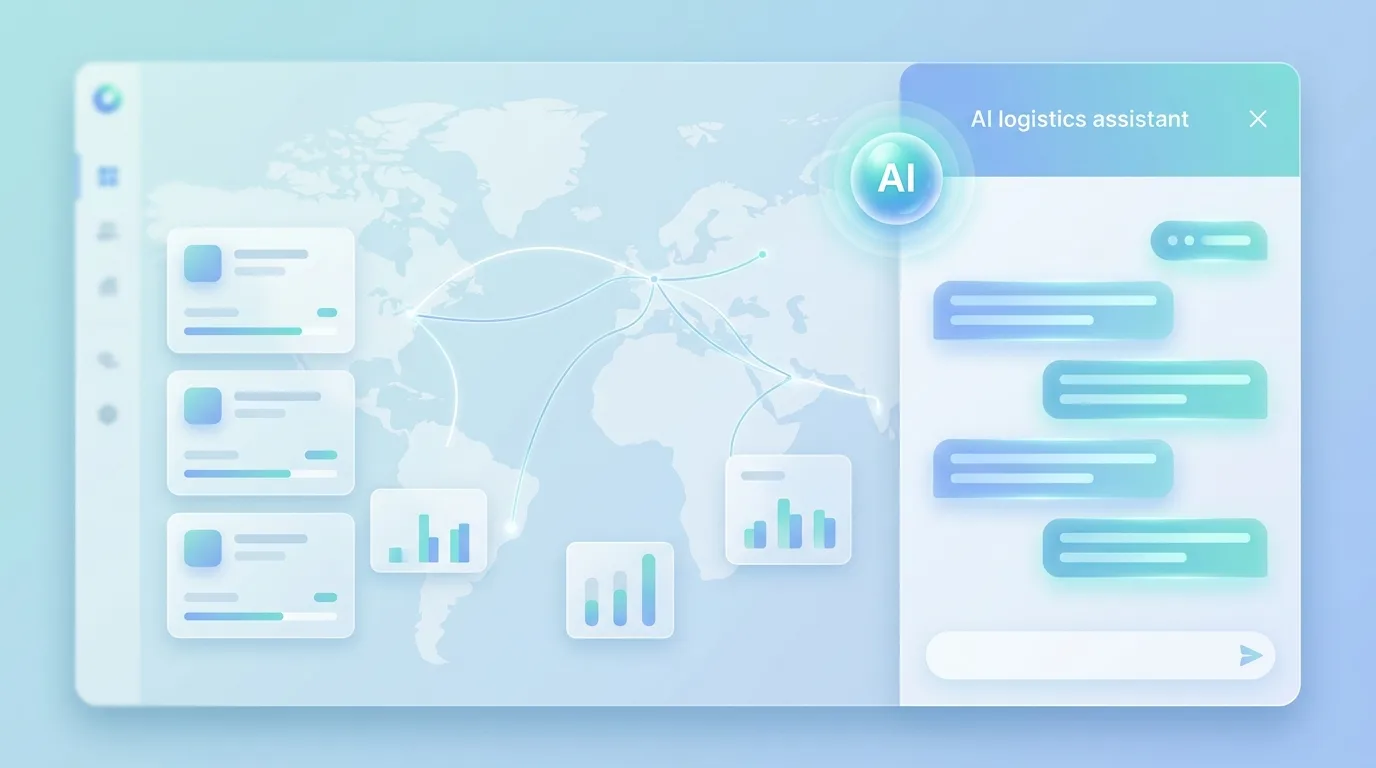 Ask anything, get answers with linksPlain-language questions answered from live records, with a link to every consignment, container and driver.Read the story
 Let the control tower sweep itselfExceptions ranked by consequence and explained, with the next action already drafted.Read the story
 Get a dispatch plan you can accept or rejectProposed drivers, vehicles and routes with the reasoning attached, decided by a person.Read the story
 See predicted arrivals with their basisEstimates per leg and delivery, explained, with risk to promises raised early.Read the story
 Stop re-typing transport documentsDocuments read, matched to the consignment, and only the disagreements flagged.Read the story
 Know what the AI touched, and whenEvery action by a person, the co-pilot or an agent in one redacted ledger.Read the story
AI you can actually let near your data
An AI-native product has to be governable. These are the controls MoveTheWheels puts around every model, agent and automated step.
Your permissions are the ceiling
The co-pilot and agents act as the person who authorised them. What that person cannot see or change, they cannot either.
People confirm consequential actions
Re-bookings, overrides, settlements, releases and anything that changes cost or custody wait for a person to confirm.
Every answer shows its sources
Facts link to their records with source and freshness, and predictions are labelled as predictions.
One audit ledger for every action
People, the co-pilot and agents are recorded the same way: who authorised it, what changed, on which record and with what result.
Worker and recipient privacy
Location is shared only on duty and visible to the worker; sensitive identity fields are encrypted and redacted from the audit trail.
Access you can revoke
Every agent connection is scoped to an identity and can be revoked in one step, with its history kept.
Models
Bring your own keyMoveTheWheels uses the shared Burdenoff AI runtime with per-workspace credits. The co-pilot works only on the records the asking person may see.
The honest answers
It answers questions about your operation from live records, writes a brief for each person every morning, raises cut-off risks, free time running out and certificates expiring while there is still time to act, and drafts the next step: a re-booking, a container move, a placement or a dispatch plan. A person confirms anything consequential.
Put MoveTheWheels’s AI to work
Ask about any consignment, container, warehouse, vehicle or person in plain language and get an answer from live records. The co-pilot briefs each person for their role and raises cut-off risks, free time running out and certificates expiring before they become problems.