
Route Optimization and Dispatch Proposals
Sequence multi-stop routes with distance, time and fuel cost in view, and review explained dispatch proposals before accepting them.
These images are illustrations of the concept, not screenshots of the actual product.
Overview
Route Optimization and Dispatch Proposals covers the step between a planned order and a moving truck: deciding which stops go together, in what order, and which driver and vehicle should run them. In many operations this is done from memory, maps and phone calls. The MoveTheWheels concept turns it into two connected views, a route planner and a queue of dispatch proposals that a person reviews and decides on.
The route planner illustration shows one multi-stop route on a city map, with numbered pins, the drawn path and the vehicle's position. Beside the map, an ordered stop list shows each address with its time slot and up and down controls for manual reordering. A Route Info card summarizes distance, estimated duration, fuel cost and the number of stops, and marks whether the route has been optimized. An Optimize route action re-sequences the stops, and an assignment card attaches a vehicle and a driver before the route goes out.
The dispatch proposals illustration moves the same decisions into the AI Operations area. Each proposal card names a shipment, its lane and load, and a recommendation: a specific driver and vehicle with a planned route, or, when in-house capacity runs short, a carrier from the marketplace. Each proposal carries a short rationale, shown under Why this or as a stated reason, and a confidence score, and nothing happens until someone chooses Accept or Reject. A banner makes the rule explicit: proposals are generated but never applied automatically.
A side panel counts the day's proposals by outcome and lists recent agent activity such as planning dispatch, recommending a carrier and resolving an exception. The design ties route planning to the fleet and driver records, the carrier marketplace and the governed AI assistant, keeping a human decision at the point where freight is committed.
What this concept shows
- A route map with numbered stop pins, the planned path and the vehicle's current position
- An ordered stop list with time slots and up and down controls for manual resequencing
- Route summary with distance, estimated duration, fuel cost, stop count and optimization status
- An Optimize route action and a card for assigning a vehicle and driver
- Dispatch proposal cards recommending a driver, vehicle and route, or a marketplace carrier
- A Why this rationale and a confidence score on every proposal
- Accept and Reject decisions, with a banner stating that proposals are never applied automatically
- Daily proposal counts by outcome and a timestamped agent activity feed
How it works
- Open a planned route to see its stops on the map and in an ordered list with time slots.
- Reorder stops by hand or choose Optimize route, then check the updated distance, duration and fuel cost.
- Assign a vehicle and a driver to the route.
- Open the dispatch proposals queue to review suggested assignments for pending shipments.
- Read each proposal's rationale and confidence score, including carrier suggestions when in-house capacity is short.
- Accept or reject each proposal and track the day's outcomes in the side panel.
Who it's for
- Dispatchers
- Route planners
- Transport managers
- Operations managers
Illustrations
2 illustrations of this concept. Select one to view it full size.
Route Planning and Optimization
This illustration shows a route record under Route Planning and Optimization, reached from the Routes item in the navigation. The header names a sample multi-stop route in Bengaluru, carries a Planned status chip and offers an Optimize route button. Most of the page is a city map with the route drawn as a continuous line, numbered pins at each stop and a vehicle marker along the path. To the right, a Stops panel lists the stops in order with a street address, a time slot and up and down arrows for moving a stop earlier or later. A Route Info card totals distance, estimated duration, fuel cost and number of stops, and shows an optimization status chip marked optimized. An Assign vehicle and driver card offers a vehicle input and a driver dropdown. The design demonstrates planning, cost-checking and assigning a route from one screen.
Dispatch Proposals for Review
This dark-theme illustration shows a Dispatch proposals page in the AI Operations area, reached through the AI Assistant item in a full navigation sidebar. A top bar holds a search field for shipments, drivers and routes, a workspace switcher, notifications and a profile avatar. An amber Preview banner states that proposals are generated but never applied automatically. Numbered proposal cards follow. The first names a shipment, its lane and pallet count, and recommends a driver (with availability and distance), a vehicle (with capacity and status) and a route (with stops, distance and estimated time), plus an expanded Why this explanation, a confidence bar, and Accept and Reject buttons. The second proposes a marketplace carrier with its rating because in-house capacity is short. A third, collapsed card suggests re-sequencing after an exception. A side panel counts today's proposals, accepted, rejected and pending, above an agent activity feed with timestamps.
Topics
- route optimization
- multi-stop route planning
- dispatch planning software
- stop sequencing
- fuel cost per route
- driver and vehicle assignment
- AI dispatch recommendations
- human-in-the-loop dispatch
- load assignment proposals
- delivery route planner
Related concepts
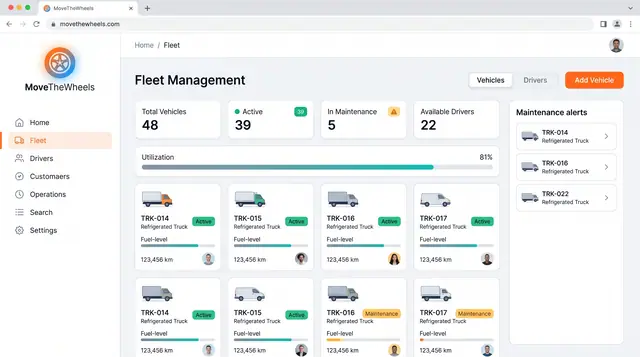
Fleet and Driver Management
See every vehicle and driver in one place: status, utilization, maintenance, documents and who is assigned to what.
3 illustrations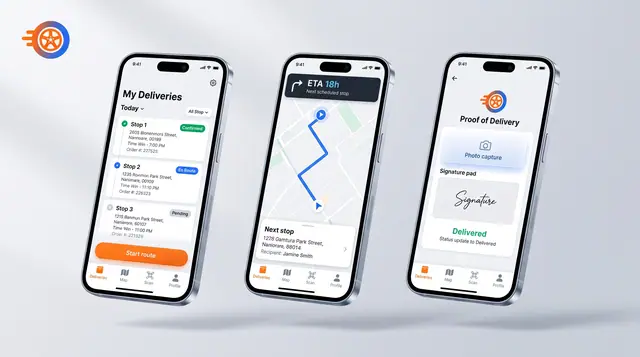
Driver Mobile App
Give drivers their day's stops, guidance to the next one and photo-and-signature proof of delivery on their phone.
1 illustration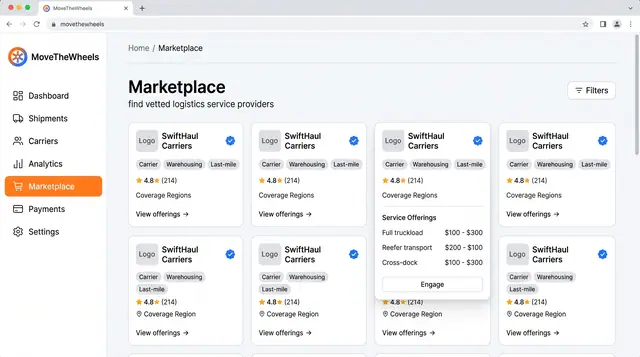
Logistics Provider Marketplace
Find vetted carriers, warehouses and last-mile partners, compare their offerings and ratings, and engage one when capacity runs short.
1 illustration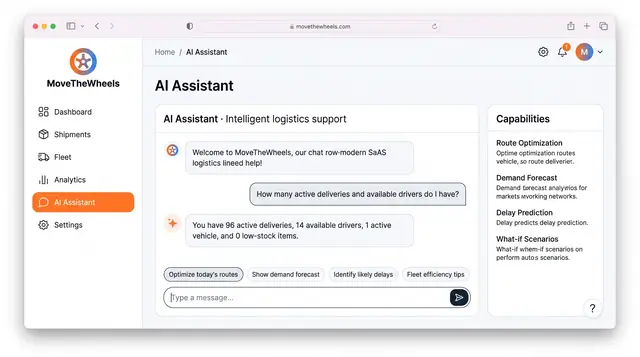
AI Logistics Assistant
Ask plain-language questions about deliveries, drivers and delays, and get answers from workspace data within your own permissions.
2 illustrations