
AI Logistics Assistant
Ask plain-language questions about deliveries, drivers and delays, and get answers from workspace data within your own permissions.
These images are illustrations of the concept, not screenshots of the actual product.
Overview
The AI Logistics Assistant is a conversational helper built into MoveTheWheels. Instead of opening several screens to piece together a status picture, an operator types a question in everyday language, such as how many deliveries are active or which loads are running late, and the assistant answers from the workspace's own orders, shipments, fleet and inventory records.
Dispatchers and operations managers spend a large part of the day assembling answers that already exist in the system: how many deliveries are underway, which drivers are free, which vehicles are idle. The concept is designed to shorten that loop to a single question, while keeping each answer grounded in the same data and access rules as the rest of the product.
The illustrations show two ways to reach it. A dedicated AI Assistant page holds a full chat, where a sample question about active deliveries and available drivers returns a one-line summary covering deliveries, drivers, vehicles and low-stock items. Suggestion chips below the conversation offer common starting points: optimizing today's routes, showing a demand forecast, identifying likely delays and fleet efficiency tips. A Capabilities panel lists route optimization, demand forecasting, delay prediction and what-if scenarios. The second view places the assistant in a side panel over the Tracking board, so the question and the shipment table sit next to each other. Asked which loads are late and who can cover them, the assistant lists the shipments past their delivery window, the drivers available right now and the vehicles that are active but unassigned, with their capacity.
Governance is visible in the panel itself. A notice states that answers use the asker's permissions and never reveal anything they could not already see, and a meter shows AI credits used against a monthly allowance. The assistant complements the control tower and exception views rather than replacing them, and its reads are designed to appear in the operation audit alongside the actions of people and connected agents.
What this concept shows
- A full-page chat with a welcome message, the user's question and a summarized answer
- Suggestion chips for optimizing today's routes, showing a demand forecast, identifying likely delays and fleet efficiency tips
- A Capabilities panel covering route optimization, demand forecasting, delay prediction and what-if scenarios
- An in-context assistant panel that opens beside the Tracking board
- Answers that name late shipments, available drivers and unassigned vehicles with their capacity
- A permissions notice stating that answers never go beyond what the user can already see
- An AI credits meter showing usage against a monthly allowance
How it works
- Open AI Assistant from the sidebar, or open the assistant panel while working in a module such as Tracking.
- Type a question or pick a suggestion chip such as optimizing today's routes or identifying likely delays.
- Read the answer, which either summarizes counts or names the specific shipments, drivers and vehicles involved.
- Cross-check the answer against the Tracking board beside the panel, where delayed shipments carry an alert badge.
- Keep an eye on the AI credits used this month, then close the panel to return to the board.
Who it's for
- Dispatchers
- Operations and control tower managers
- Fleet managers
- Logistics planners
Illustrations
2 illustrations of this concept. Select one to view it full size.
AI Assistant Chat Page
This light-theme illustration shows the AI Assistant page selected in a compact sidebar that also lists Dashboard, Shipments, Fleet, Analytics and Settings. The main card, titled as intelligent logistics support, holds a conversation: a welcome message from the assistant, a user question asking how many active deliveries and available drivers there are, and a reply summarizing sample counts of active deliveries, available drivers, active vehicles and low-stock items. A row of suggestion chips sits above the message box, offering to optimize today's routes, show a demand forecast, identify likely delays or share fleet efficiency tips. A Capabilities panel on the right lists route optimization, demand forecasting, delay prediction and what-if scenarios, with a help button in its corner. The view demonstrates how one question can replace a tour of several dashboards.
Assistant Panel on the Tracking Board
In this dark-theme illustration the Tracking module is open, showing a tracking board table with shipment, customer, origin and destination, status, ETA and alert columns. Status chips read In transit, Out for delivery and Delivered, and one row carries a Delayed alert. A MoveTheWheels Assistant panel sits on the right, inviting questions about shipments, fleet, routes, warehouses and orders. The user asks which loads are running late and who is free to cover them; the reply lists three shipments past their delivery window, with the lane and overrun for the first, followed by the drivers available now and the active but unassigned vehicles with their capacity in tonnes, all sample data. At the foot of the panel a shield notice says answers use the user's permissions, a meter shows AI credits used this month, and an input invites further questions.
Topics
- AI logistics assistant
- chat with shipment data
- AI assistant for dispatchers
- late shipment detection
- find available drivers
- natural language logistics queries
- permission-aware AI assistant
- AI delay prediction
- route optimization assistant
- logistics copilot
Related concepts
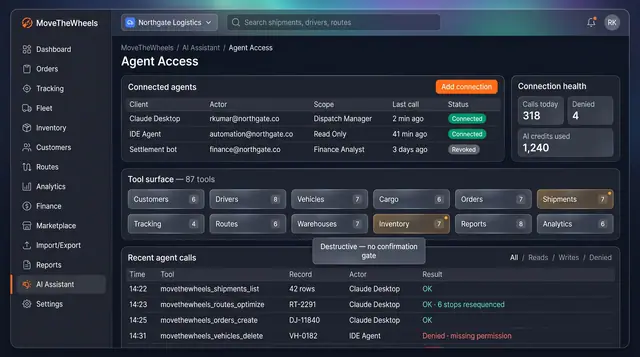
Agent Access and Operation Audit
Connect external AI agents under a named role, watch every tool call they make, and audit actions by people, the assistant and agents.
2 illustrations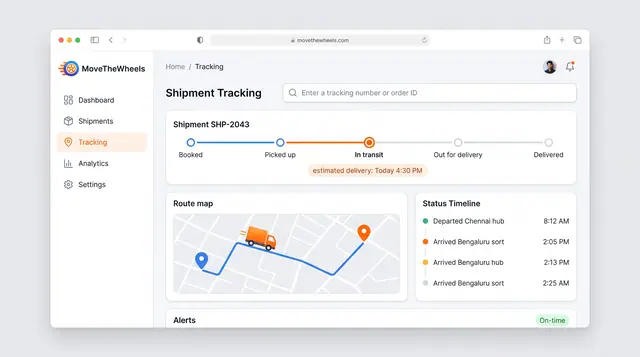
Shipment Tracking and Live Map
Follow one shipment from booking to delivery with an estimated arrival, then zoom out to every vehicle moving across the network.
2 illustrations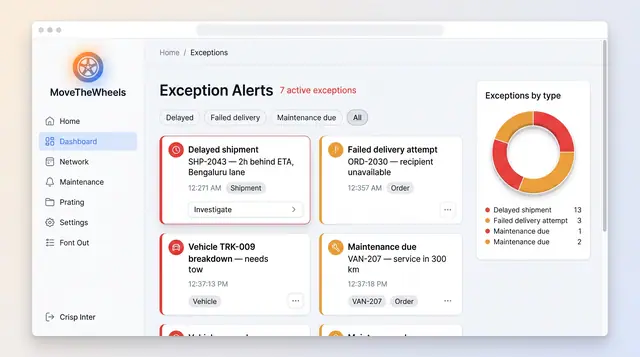
Exceptions and At-Risk Shipments
See delays, failed deliveries and maintenance issues in one board, plus a ranked queue of loads predicted to miss their window.
2 illustrations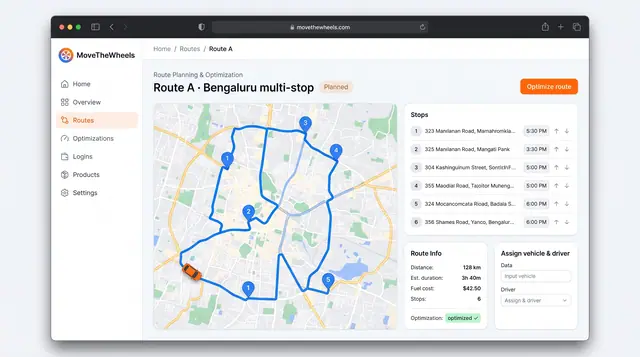
Route Optimization and Dispatch Proposals
Sequence multi-stop routes with distance, time and fuel cost in view, and review explained dispatch proposals before accepting them.
2 illustrations