
Documents, Notifications and Conversations
Keep bills of lading, proof of delivery and invoices in one library, with shipment alerts and operator-carrier chat alongside.
These images are illustrations of the concept, not screenshots of the actual product.
Overview
This concept gathers the paperwork and communication that surround every load into one collaboration view. A document library organized into folders for bills of lading, proof of delivery, invoices and contracts sits next to a notification feed and a conversation window, so the files, the alerts and the discussion about a shipment can be reached without leaving the workspace.
In many logistics operations, bills of lading sit in email attachments, delivery photos stay on a driver's phone and exception alerts arrive through a separate tool, while conversations with carriers happen by phone or text message. When a customer disputes a delivery, reconstructing what happened means searching all of them. The design keeps these pieces together, inside the workspace where the freight is managed.
The illustration shows a Files view with its own compact navigation for Files, Conversations and Notifications. The Documents panel lists folders on the left, with Bills of Lading selected, and a grid of file tiles on the right: PDF documents, delivery photo thumbnails and bill-of-lading page previews, each with a name, file size and date. A Notifications panel lists events such as a shipment delivered, an exception raised and maintenance due, each with a timestamp and an unread marker. A Conversations window floats over the corner with messages between an operator and a carrier and a message box for replying.
Files, notifications and conversations are shared capabilities, so the same patterns are designed to appear wherever they are needed across MoveTheWheels. Proof-of-delivery photos captured in the driver app, invoices checked during finance reconciliation and exceptions raised by the control tower are all meant to surface here, giving operators, carriers and finance staff one place to find the record and talk about it.
What this concept shows
- A document library with folders for bills of lading, proof of delivery, invoices and contracts
- A file grid of PDF icons, delivery photo thumbnails and page previews, each showing name, size and date
- A notification feed for deliveries, exceptions and maintenance reminders, with timestamps and unread markers
- A conversation window for operator and carrier messages with an inline reply box
- A compact navigation that switches between Files, Conversations and Notifications
- Overflow menus on the documents, notifications and conversations panels for further actions
How it works
- Open Files and choose a folder such as Bills of Lading or Proof of Delivery.
- Browse the file grid, using previews, sizes and dates to find the right document or delivery photo.
- Check the Notifications panel for new deliveries, exceptions and maintenance reminders.
- Open Conversations to message the carrier about an order and reply from the message box.
Who it's for
- Operations and dispatch coordinators
- Carrier and subcontractor partners
- Finance teams retrieving invoices and delivery proof
- Customer service staff handling delivery disputes
Illustrations
1 illustration of this concept. Select one to view it full size.
Files, Notifications and Conversations
This light-theme illustration shows the Files view, reached from a compact sidebar that also offers Conversations and Notifications. The Documents panel has a Folders tree with Bills of Lading selected, followed by Proof of Delivery, Invoices and Contracts. To its right, a grid of file tiles mixes PDF icons, photos of a loaded truck at a dock labeled as proof-of-delivery photos, and page previews of bill-of-lading documents, each with a truncated name, file size and date. A Notifications panel on the right lists events such as a shipment delivered, an exception raised with an alert icon, and maintenance due reminders, each with a timestamp and an unread dot. A Conversations window overlaps the corner, showing messages from an operator and a carrier and a message box with a send button. The view demonstrates documents, alerts and discussion held side by side.
Topics
- bill of lading storage
- proof of delivery photos
- freight document management
- logistics notifications
- carrier messaging
- shipment exception alerts
- delivery document library
- operator and carrier chat
- POD document archive
Related concepts
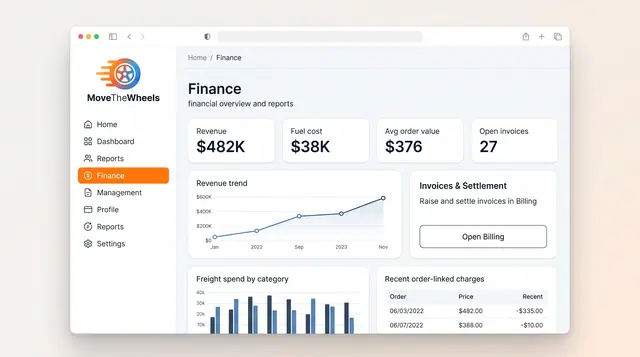
Finance and Freight Document Reconciliation
See revenue, fuel cost and freight spend at a glance, then check carrier invoices against shipments, agreed rates and delivery proof.
2 illustrations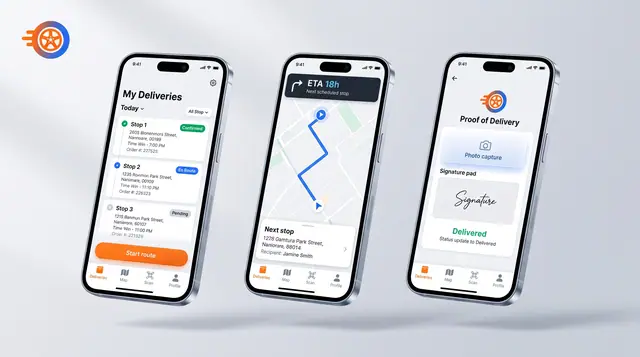
Driver Mobile App
Give drivers their day's stops, guidance to the next one and photo-and-signature proof of delivery on their phone.
1 illustration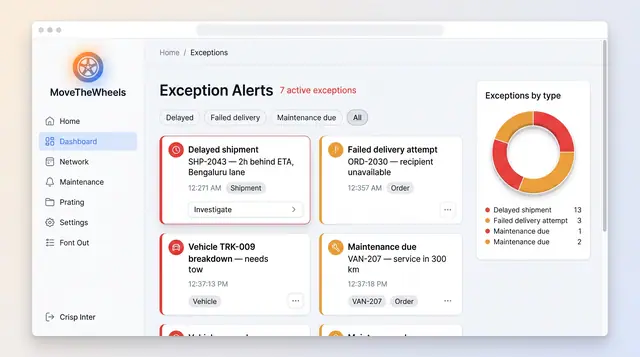
Exceptions and At-Risk Shipments
See delays, failed deliveries and maintenance issues in one board, plus a ranked queue of loads predicted to miss their window.
2 illustrations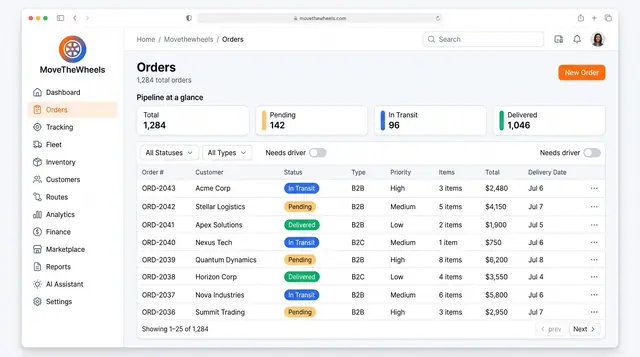
Order Lifecycle Management
Book a delivery, watch it move through the pipeline, assign a driver and vehicle, and keep its documents with the order.
3 illustrations