
Finance and Freight Document Reconciliation
See revenue, fuel cost and freight spend at a glance, then check carrier invoices against shipments, agreed rates and delivery proof.
These images are illustrations of the concept, not screenshots of the actual product.
Overview
This concept brings the money side of logistics into the same workspace as the freight itself. It pairs a Finance overview, which summarizes revenue, fuel cost, average order value and open invoices, with a document reconciliation workspace that reads carrier invoices, bills of lading and proof-of-delivery records and checks them against the shipment they belong to.
Freight billing is a common source of leakage. Carrier invoices arrive as PDFs, the agreed rate sits in a contract or an email, and the proof that a load was delivered, and when, lives somewhere else again. Catching an overcharge means someone re-keying numbers from three documents. The design aims to make that comparison automatic and visible, so a finance team can settle freight spend against the exact shipment and evidence that justify it.
The Finance page opens with four headline tiles, a revenue trend line, a grouped bar chart of freight spend by category and a table of recent order-linked charges. An Invoices and Settlement card hands off to the shared Billing area through an Open Billing button, so invoices are raised and settled in one place rather than duplicated. Document reconciliation then works like an inbox: each incoming document appears as a card marked Unmatched, Matched or Captured. Selecting a carrier invoice shows the document with its weight, lane and rate regions outlined and linked to an Extracted fields panel, where every field carries a confidence score and the billed amount is flagged when it disagrees with the agreed rate. A Reconciliation card explains the variance in plain language, in the sample a longer distance than booked with no approved detour, and offers Flag for dispute or Accept variance. Linked evidence beneath it collects the delivery signature, photos and a geo-stamp.
Because documents ride the same order and shipment records as tracking, the reconciliation view is designed to take delivery times from the electronic proof of delivery captured by drivers, and its outcomes feed the revenue, spend and reporting views elsewhere in MoveTheWheels.
What this concept shows
- Headline tiles for revenue, fuel cost, average order value and open invoices
- A revenue trend line chart and a grouped bar chart of freight spend by category
- A table of recent charges tied to individual orders
- An Invoices and Settlement card that opens the shared Billing area
- A document inbox that marks carrier invoices, bills of lading and proof of delivery as Unmatched, Matched or Captured
- Extracted fields linked back to highlighted regions of the source document, each with a confidence score
- A reconciliation summary that states the variance, its percentage and its likely cause, with Flag for dispute and Accept variance actions
- Linked delivery evidence: a signature, delivery photos and a geo-stamp with location accuracy
How it works
- Open Finance to review revenue, fuel cost, average order value and the number of open invoices.
- Scan the revenue trend, freight spend by category and recent order-linked charges for anything unusual.
- Move to Document reconciliation under Finance and pick an Unmatched carrier invoice from the inbox.
- Compare the extracted shipment, lane, weight, distance, agreed rate and billed amount with the outlined regions on the document.
- Read the reconciliation summary and check the linked signature, photos and geo-stamp.
- Flag the invoice for dispute or accept the variance, then raise or settle invoices through Billing.
Who it's for
- Finance and freight audit teams
- Accounts payable staff settling carrier invoices
- Logistics and operations managers watching cost per order
- Carrier and procurement managers who negotiate rates
Illustrations
2 illustrations of this concept. Select one to view it full size.
Finance Overview
This illustration shows the Finance page in a light theme, reached from a left sidebar where Finance is highlighted. Under the page title, four tiles report revenue, fuel cost, average order value and the number of open invoices, all as sample figures. A Revenue trend line chart plots revenue climbing across the period, and beside it an Invoices and Settlement card explains that invoices are raised and settled in Billing, with an Open Billing button. The lower row pairs a grouped bar chart of freight spend by category, comparing two series across several categories, with a Recent order-linked charges table listing each charge's order date, price and a recent adjustment. The layout demonstrates how the design keeps cost and revenue signals together while leaving invoicing to the shared billing area rather than duplicating it.
Freight Document Reconciliation
This dark-theme illustration shows Document reconciliation under Finance, with a workspace switcher and a search bar for shipments, invoices and proofs of delivery. An Inbox column lists incoming documents as color-coded cards: carrier invoices, a bill of lading and a proof of delivery, each tagged Unmatched, Matched or Captured. The selected invoice appears in a Document preview whose weight, lane and rate regions are outlined and connected by lines to an Extracted fields panel listing shipment, lane, weight, distance, agreed rate, billed amount and delivery time, each with a confidence score. The billed amount is flagged as a mismatch, and the delivery time is marked as taken from the electronic proof of delivery. A Reconciliation card states the sample variance and its cause, extra distance with no approved detour, and offers Flag for dispute and Accept variance. Linked evidence shows a signature, delivery photos and a geo-stamp.
Topics
- freight invoice reconciliation
- freight audit software
- carrier invoice matching
- proof of delivery verification
- bill of lading processing
- freight spend analytics
- logistics finance dashboard
- invoice variance dispute
- freight document extraction
- fuel cost tracking
Related concepts
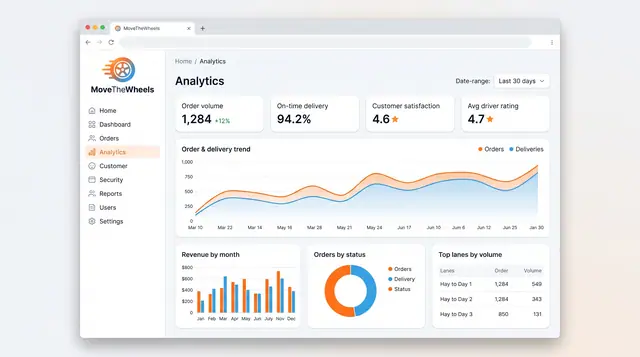
Analytics and Scheduled Reports
Follow order volume, on-time delivery, revenue and busiest lanes, then generate, export and schedule the reports your team relies on.
2 illustrations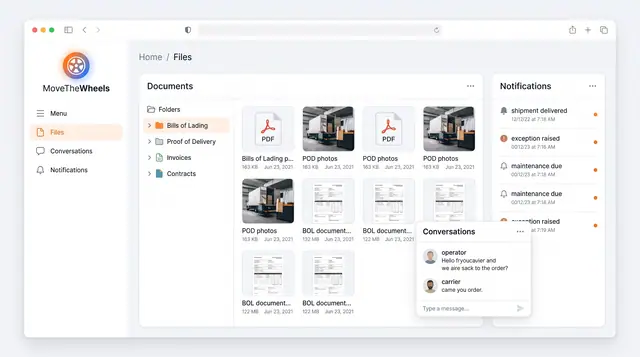
Documents, Notifications and Conversations
Keep bills of lading, proof of delivery and invoices in one library, with shipment alerts and operator-carrier chat alongside.
1 illustration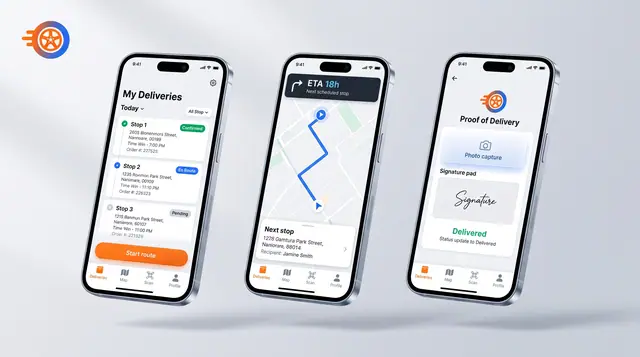
Driver Mobile App
Give drivers their day's stops, guidance to the next one and photo-and-signature proof of delivery on their phone.
1 illustration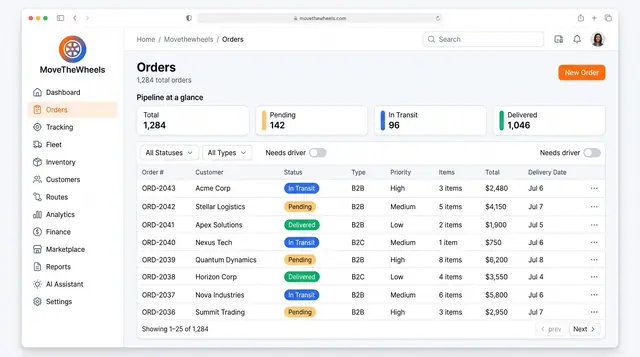
Order Lifecycle Management
Book a delivery, watch it move through the pipeline, assign a driver and vehicle, and keep its documents with the order.
3 illustrations