
Exceptions and At-Risk Shipments
See delays, failed deliveries and maintenance issues in one board, plus a ranked queue of loads predicted to miss their window.
These images are illustrations of the concept, not screenshots of the actual product.
Overview
Most of a logistics network runs as planned; what needs a person's attention are the exceptions. This concept illustrates two layers of exception handling in MoveTheWheels: an Exception Alerts board that collects delayed shipments, failed deliveries and vehicle problems in one place, and a control tower at-risk queue that envisions scoring in-flight loads ahead of time and ranking them by consequence.
Operations teams often learn about a problem when a customer calls or when a delivery window has already closed, and by then the options for recovery are limited. The design moves the team from status chasing to an exception-first workflow, and then further toward forecasting, where the queue explains why a load is at risk and proposes what to do about it.
The Exception Alerts page shows the number of active exceptions next to its title and offers filter chips for Delayed, Failed delivery, Maintenance due and All. Each exception is a card with an icon, a type such as a delayed shipment, a failed delivery attempt, a vehicle breakdown or maintenance due, a short reason, a timestamp and chips for the related shipment, order or vehicle, with the card edge colored by severity. An Exceptions by type donut chart summarizes the mix. The at-risk queue adds tiles for in-flight, predicted-late and breached-window shipments and the time since the last sweep. Its Ranked by consequence table lists severity, shipment, lane, booked and predicted arrival, a plain-language reason and a drafted action, with Approve and Dismiss buttons for acting on the proposals. A Sweep schedule card sets the cadence and holds an Autonomous sweep toggle, and a Sweep log records how many shipments each run scanned and flagged and how many actions it drafted.
In this design, drafted actions are presented as proposals for a person to approve or dismiss rather than as changes already made. Exceptions also surface on the Control Tower dashboard, lead into shipment tracking for the full timeline, and draw on fleet, driver and routing data for remedies such as re-assigning a vehicle or re-sequencing stops. The sweep log keeps a record of what each automated run decided, in line with the product's approach of recording automated actions for audit.
What this concept shows
- An Exception Alerts board with a count of active exceptions and filters for delayed, failed delivery and maintenance due
- Exception cards with type, reason, timestamp, a severity-colored edge and chips for the related shipment, order or vehicle
- An Exceptions by type donut chart with a count per type
- Summary tiles for in-flight, predicted-late and breached-window shipments and the time since the last sweep
- A queue ranked by consequence with severity, lane, booked versus predicted arrival and a plain-language reason
- Drafted actions such as re-assigning a vehicle, re-sequencing stops, notifying the receiver or re-booking with another carrier, with Approve and Dismiss buttons
- A sweep schedule with an Autonomous sweep toggle and a log of what each run scanned, flagged and drafted
How it works
- Open Exception Alerts to see the count of active exceptions and the mix by type.
- Filter to delayed shipments, failed deliveries or maintenance due, and pick the most severe card.
- Choose Investigate to look into the affected shipment, order or vehicle.
- Move to the at-risk queue to see loads predicted to miss their window, ranked by consequence.
- Read the reason for each flagged shipment alongside its drafted action.
- Approve or dismiss each drafted action, and check the sweep log to see what recent runs flagged.
Who it's for
- Operations and supply-chain leaders
- Dispatchers and control-room staff
- Customer service leads
- Fleet maintenance coordinators
Illustrations
2 illustrations of this concept. Select one to view it full size.
Exception Alerts Board
This illustration shows the Exception Alerts page, reached through a Home, Exceptions breadcrumb, with a count of active exceptions in red beside the title. Filter chips for Delayed, Failed delivery, Maintenance due and All sit above a two-column grid of exception cards, with All selected. Each card has an icon, a bold exception type and a one-line reason, for example a shipment running two hours behind its ETA on a lane, an order whose recipient was unavailable, a vehicle breakdown that needs a tow and a van due for service within a few hundred kilometers. Cards also carry a timestamp and chips naming the related shipment, order or vehicle, and their left edge is red or amber by severity. The first card offers an Investigate button and the others have overflow menus. On the right, an Exceptions by type donut chart has a legend with counts. All identifiers and counts are sample data.
At-Risk Queue with Scheduled Sweep
This illustration shows a dark-themed control tower at-risk queue under Tracking, with a workspace switcher, global search and a field for searching shipments, drivers and routes. A notice banner labels the predicted arrivals and drafted actions as a preview. Four tiles count in-flight shipments, shipments predicted late and shipments that have breached their window, and show how long ago the last sweep ran. The main table, Ranked by consequence, can be filtered to all, predicted late, breached or resolved entries. Each row gives a High, Medium or Low severity badge, the shipment, the lane from origin to destination, the booked and predicted arrival, a reason such as long dwell at a hub, a stop added after dispatch or driver hours near the limit, and a drafted action, with Approve and Dismiss buttons beside the proposals. A Sweep schedule card with an Autonomous sweep toggle and a Sweep log of scanned, flagged and drafted counts fill the right column. All data is sample data.
Topics
- logistics exception management
- shipment delay alerts
- failed delivery alerts
- at-risk shipment queue
- predictive ETA
- proactive exception detection
- vehicle breakdown alerts
- maintenance due alerts
- control tower exception queue
- late delivery prediction
Related concepts
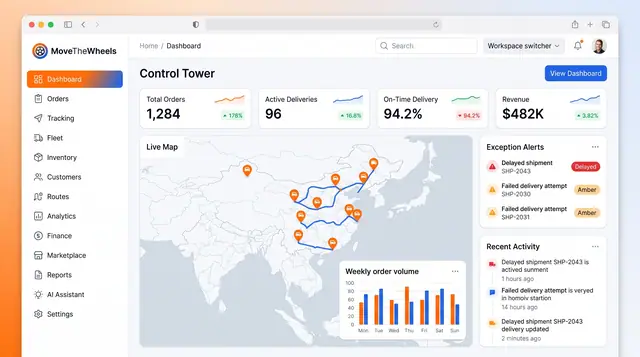
Control Tower Dashboard
One home screen for the whole network: headline KPIs, a live map of moving freight, open exceptions and the latest activity.
2 illustrations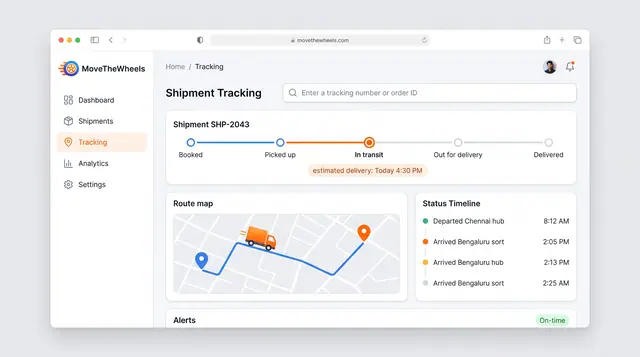
Shipment Tracking and Live Map
Follow one shipment from booking to delivery with an estimated arrival, then zoom out to every vehicle moving across the network.
2 illustrations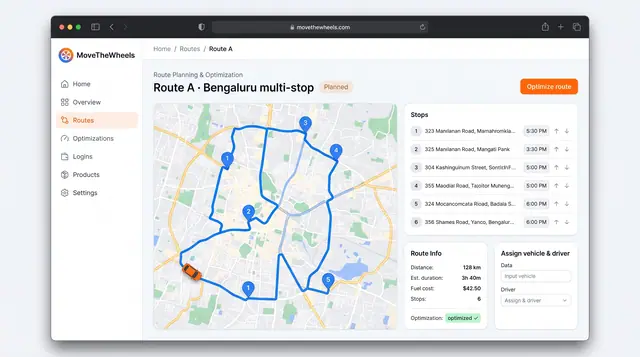
Route Optimization and Dispatch Proposals
Sequence multi-stop routes with distance, time and fuel cost in view, and review explained dispatch proposals before accepting them.
2 illustrations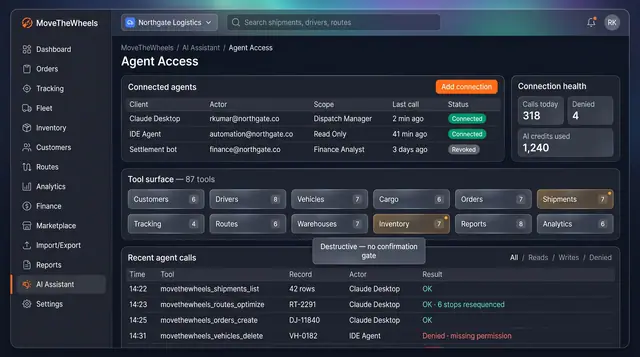
Agent Access and Operation Audit
Connect external AI agents under a named role, watch every tool call they make, and audit actions by people, the assistant and agents.
2 illustrations