
Agent Access and Operation Audit
Connect external AI agents under a named role, watch every tool call they make, and audit actions by people, the assistant and agents.
These images are illustrations of the concept, not screenshots of the actual product.
Overview
This concept covers what happens when software, not just people, works inside a MoveTheWheels workspace. An Agent Access page lists the external AI agents connected to the workspace and the tools they can call, and an Operation audit page records every operation performed by a person, the built-in assistant or an agent in a single, filterable ledger.
Letting an AI agent create orders or resequence routes is useful only if operators can see who connected it, what it is allowed to do and what it actually did. Without that, automation becomes a blind spot in exactly the places, such as dispatch and billing, where mistakes are expensive. The design treats each agent as an actor with a scope and a record, the same way it treats a team member.
On Agent Access, a Connected agents table lists each client with the account it acts as, its scope (sample roles such as Dispatch Manager, Read Only and Finance Analyst), when it last called and whether it is Connected or Revoked, next to an Add connection button. A Connection health card counts calls today, denied calls and AI credits used. A Tool surface section groups the available tools by domain, from customers, drivers and vehicles to orders, shipments, routes, warehouses, inventory, reports and analytics, with a tool count on each group. Groups that include a destructive tool without a confirmation gate are marked, and a tooltip spells out the risk. Recent agent calls show the time, tool, record, actor and result, filterable by reads, writes and denied calls, including a vehicle deletion refused for missing permission.
The Operation audit page, under Settings, widens the lens to every actor. Filters for date, actor type, resource and result, plus quick chips for Person, Assistant and Agent, narrow the table, while tiles count the day's operations, writes, denials and agent activity. Selecting an entry opens its details, including workspace, record, result and a partly masked client IP address, along with its variables, where sensitive fields such as license numbers, email addresses and phone numbers are redacted before the entry is stored. An Export CSV action is designed to hand that evidence to reviewers.
What this concept shows
- A Connected agents table with client, acting account, role scope, last call and Connected or Revoked status
- Connection health tiles for calls today, denied calls and AI credits used
- A tool surface grouped by logistics domain, with a count of tools in each group
- Warning markers on tool groups that include a destructive tool with no confirmation gate
- A recent agent calls log filterable by reads, writes and denied calls
- An Operation audit ledger filterable by date, actor type, resource and result, with Person, Assistant and Agent chips
- An entry detail panel showing actor, workspace, record and result, with sensitive variables redacted
- CSV export of audit entries
How it works
- Open Agent Access from the AI Assistant area and review which agents are connected, which account each acts as and under which scope.
- Add a new connection, or check whether an existing one is still connected or has been revoked.
- Inspect the tool surface to see which domains agents can reach and which tool groups carry a destructive-action warning.
- Review recent agent calls, filtering to writes or denied calls to spot anything unexpected.
- Switch to Operation audit under Settings, filter by date, actor type, resource or result, and open an entry to see its details with sensitive fields redacted.
- Export the filtered entries as CSV for review.
Who it's for
- Workspace administrators
- Security and compliance reviewers
- Operations leaders adopting AI agents
- Integration engineers connecting AI clients
- Internal and external auditors
Illustrations
2 illustrations of this concept. Select one to view it full size.
Agent Access and Tool Surface
This dark-theme illustration shows Agent Access, reached through the AI Assistant area. A Connected agents table lists three sample clients, a desktop AI client, an IDE agent and a settlement bot, each with the account it acts as, a role scope, its last call and a Connected or Revoked status, beside an Add connection button. A Connection health card counts calls today, denied calls and AI credits used. The Tool surface section groups the workspace's tools into tiles for customers, drivers, vehicles, cargo, orders, shipments, tracking, routes, warehouses, inventory, reports and analytics, each with a count. The shipments and inventory tiles are marked, and a tooltip warns of a destructive tool with no confirmation gate. Recent agent calls list time, tool, record, actor and result, with filters for reads, writes and denied calls, including a route resequencing that succeeded and a vehicle deletion denied for missing permission.
Operation Audit Ledger
This dark-theme illustration shows Operation audit under Settings. A filter bar offers a date picker and dropdowns for actor type, resource and result, plus Person, Assistant and Agent chips, and an Export CSV button sits to the right. Four tiles count operations today, writes, denied operations and operations by agents, as sample figures. The ledger table lists time, operation, actor, actor type, record and result, mixing route updates by a person and by an agent, a shipment read by the assistant, a proof-of-delivery record created by a person and an inventory update by a bot. A denied vehicle deletion by an IDE agent is selected, and the detail panel shows its actor, workspace, record, result and a partly masked client IP. Under Variables, the record id is shown while license number, email and phone are redacted, with a note that sensitive fields are removed before storage.
Topics
- AI agent access control
- MCP tools for logistics
- AI agent audit log
- operation audit trail
- governed AI automation
- agent tool permissions
- redacted audit log
- who changed this shipment
- AI action logging
- logistics compliance audit
Related concepts
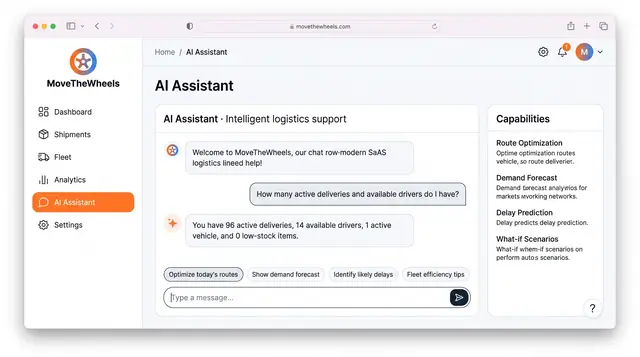
AI Logistics Assistant
Ask plain-language questions about deliveries, drivers and delays, and get answers from workspace data within your own permissions.
2 illustrations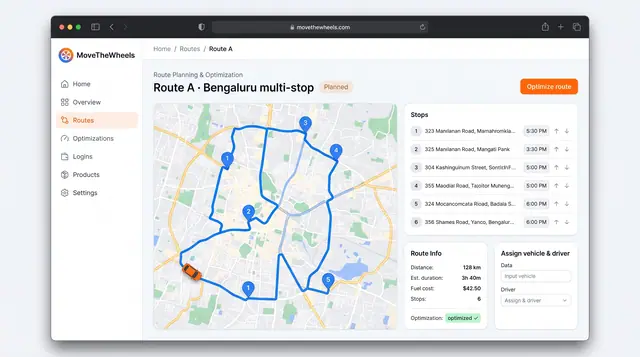
Route Optimization and Dispatch Proposals
Sequence multi-stop routes with distance, time and fuel cost in view, and review explained dispatch proposals before accepting them.
2 illustrations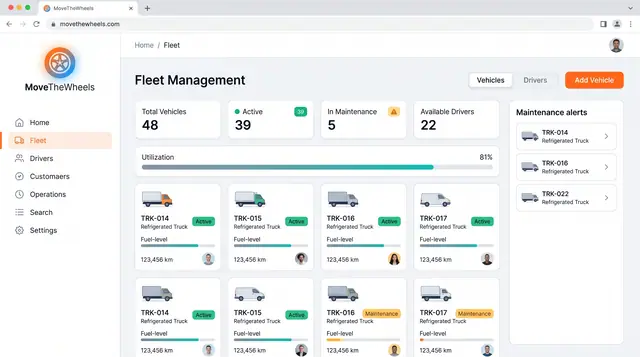
Fleet and Driver Management
See every vehicle and driver in one place: status, utilization, maintenance, documents and who is assigned to what.
3 illustrations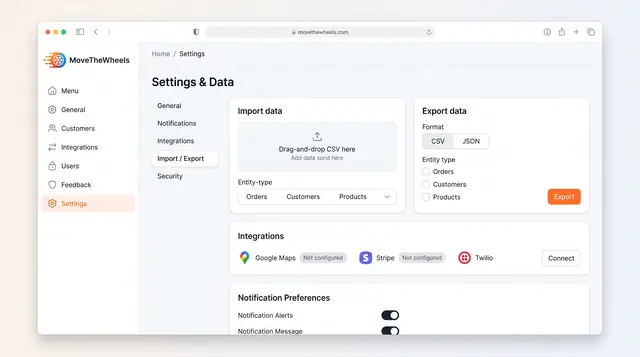
Data Import, Export and Integrations
Bring orders, customers and products in from CSV, export them as CSV or JSON, and connect maps, payments and messaging services.
1 illustration