Air Cargo Flight Cut-Off and ULD Build-Up Board
Each outbound flight's cut-off, accepted and screened freight, ULD build-up and temperature-sensitive shipments on one cargo terminal board.
These images are illustrations of the concept, not screenshots of the actual product.
Overview
At an airport cargo terminal, every outbound flight has an acceptance cut-off, and freight that is not booked, accepted, screened and built onto unit load devices (ULDs) in time can miss the aircraft. This MoveTheWheels concept illustrates an Export build-up board for one cargo shed, designed for terminal supervisors to use beside the terminal's cargo handling system rather than in place of it.
Late in a shift, the question is rarely whether a flight is behind but why. A freighter can be short on accepted weight, waiting on screening, missing serviceable pallets or short of hands on the build-up floor, and each answer usually sits in a different system. Temperature-sensitive shipments add a second clock: pharmaceuticals or cut flowers left on an open dock can lose condition long before the flight leaves.
The illustration shows the board under Tracking, with a date chip and an Export and Import switch. Tiles count flights due before a late-evening hour, flights at risk of cut-off, cool-chain alerts and unserviceable ULDs. An Outbound flights table lists each departure with its cut-off time, booked, accepted and screened weight, ULDs built against planned, and a status of Ready, On track or At risk, and the at-risk freighter shows a countdown to its cut-off. A Temperature-sensitive panel for that flight lists each shipment with its commodity and location: a pharma shipment with its temperature range sits on the dock with a red minutes badge and a Move to cool room action, while cut flowers in a cool room are marked OK. A side panel lists the flight's ULDs as built, damaged, at a partner shed or serviceable in store, with Swap unit actions.
Three other Burdenoff products feed the board by design. Bookings and acceptance are designed to arrive from the cargo system through FluidGrids, as a note above the flights table states. ULD serviceability and whereabouts are designed to come from AssetHandler: two units with damaged bases carry AssetHandler work orders and one held at a partner shed shows AssetHandler custody, so the planner can swap in a serviceable unit before build-up starts. A Build-up crew on shift strip is designed to come from CrewFoundry, with a crew count for the shift and a row of crew avatars. The design also envisions drawing landside truck arrivals from the MoveTheWheels dock schedule, so that dock doors can be weighed alongside units and people when a flight falls behind.
What this concept shows
- Tiles for flights due before a late-evening hour, flights at risk of cut-off, cool-chain alerts and unserviceable ULDs
- An outbound flights table with cut-off, booked, accepted and screened weight, ULDs built and a status for each departure
- A countdown to cut-off on the at-risk freighter
- A temperature-sensitive panel with each shipment's commodity and location, and a minutes badge on a pharma shipment left on the dock
- A Move to cool room action for that pharma shipment
- A ULD panel marking units as built, damaged with an AssetHandler work order, in AssetHandler custody at a partner shed, or serviceable in store
- Swap unit actions to replace an unserviceable ULD before build-up
- A build-up crew strip from CrewFoundry and a FluidGrids note on bookings and acceptance
How it works
- Open Export build-up for the shed and date to see the flights due that evening and those at risk of cut-off.
- Check each departure's booked, accepted and screened weight, brought in from the cargo system through FluidGrids.
- Find the at-risk freighter and read its countdown to cut-off and its ULDs built against planned.
- Move a pharma shipment waiting on the dock to the cool room when its minutes badge shows red.
- Swap a damaged or absent ULD, identified by its AssetHandler work order or custody, for a serviceable unit in store.
- Check the CrewFoundry build-up crew on shift to see whether people, rather than units, are the constraint.
Who it's for
- Cargo terminal supervisors
- ULD and build-up planners
- Export acceptance and screening teams
- Cool-chain and pharma handling leads
- Airline cargo operations managers
Illustrations
1 illustration of this concept. Select one to view it full size.
Export Build-Up Board for One Cargo Shed
This illustration shows a dark-themed Export build-up page for one cargo shed, with Tracking selected and a date chip and Export and Import switch by the title. Tiles count flights due before a late-evening hour, flights at risk of cut-off, cool-chain alerts and unserviceable ULDs. An Outbound flights table, with bookings and acceptance from the cargo system via FluidGrids, lists three departures with cut-off, booked, accepted and screened weight, ULDs built and status: Ready, On track, and an amber At risk freighter with a countdown to cut-off. A Temperature-sensitive panel for the at-risk flight flags a pharma shipment on the dock with a red minutes badge and a Move to cool room button, above cut flowers in a cool room marked OK. A CrewFoundry strip shows the crew on shift. The ULD panel lists units built, damaged with AssetHandler work orders, at a partner shed in AssetHandler custody or serviceable, with Swap unit buttons. All data is sample data.
Topics
- air cargo export build-up
- ULD build-up planning
- flight cut-off tracking
- cargo terminal operations board
- unit load device serviceability
- ULD swap for damaged units
- pharma cool chain air cargo
- perishable air freight handling
- cargo acceptance and screening
- air cargo terminal software
Related concepts
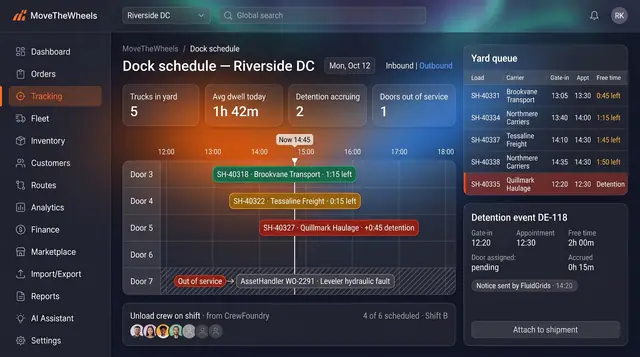
Dock Appointments and Detention Clock
Every dock door, appointment and truck in the yard on one board, with a free-time clock that turns dwell into evidence.
2 illustrations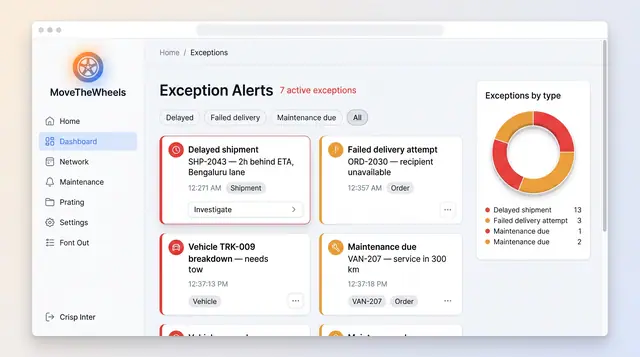
Exceptions and At-Risk Shipments
See delays, failed deliveries and maintenance issues in one board, plus a ranked queue of loads predicted to miss their window.
2 illustrations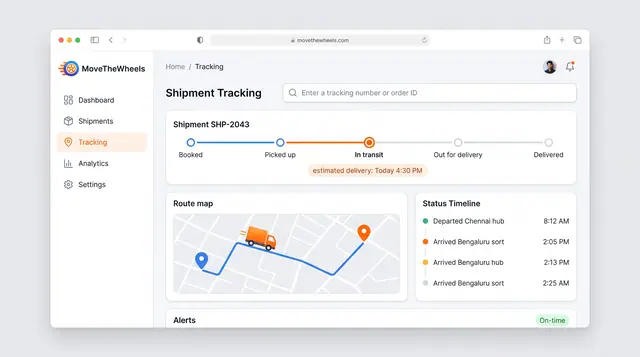
Shipment Tracking and Live Map
Follow one shipment from booking to delivery with an estimated arrival, then zoom out to every vehicle moving across the network.
2 illustrations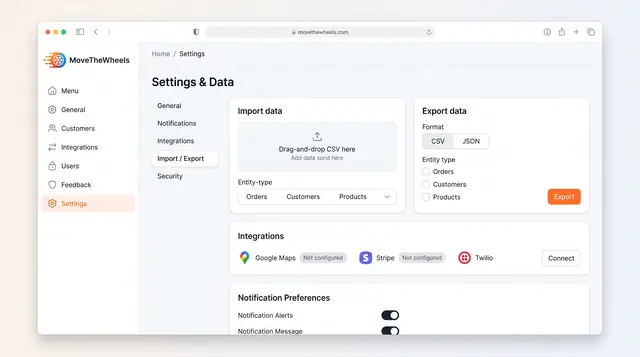
Data Import, Export and Integrations
Bring orders, customers and products in from CSV, export them as CSV or JSON, and connect maps, payments and messaging services.
1 illustration
Part of an industry solution
This concept appears in a cross-product solution on burdenoff.com — see how it works alongside other Burdenoff products to solve a problem in that industry.