Berth Window and Vessel Call Board
Every vessel call on a berth timeline with its crane count, and a clash flag with pilot, tug and berth steps when an arrival time moves.
These images are illustrations of the concept, not screenshots of the actual product.
Overview
At a container or multipurpose terminal, the quay has a limited number of berths and quay cranes, and every vessel call is booked into a window on one of them. This MoveTheWheels concept illustrates a Berth plan board for berth planners that places each call on its berth lane over the coming days with the number of cranes it will work, and flags a clash as soon as a revised arrival pushes one ship into another's window.
Arrival times change constantly and reach the terminal by many routes: an agent's email, the port community system, a vessel position service. When one ship runs late, its pilot booking, its tug order and the next vessel's berthing all have to move with it, and the planner often learns of the knock-on only when two ships are due at the same berth. Whether the real constraint is the berth, the cranes or the gangs to work them is rarely visible in one place.
The illustration shows the plan for one terminal with a date chip and a 48-hour or 7-day switch, above tiles for vessels alongside, arrivals in the next 48 hours, berth clashes and quay cranes available. A timeline with a Now marker runs across four berth lanes, with most calls labeled by vessel, voyage and crane count: calls shown in green, an amber call for a delayed arrival and a red call it now overlaps, marked by a clash flag with the hours of overlap. An Arrival updates table lists each vessel's old and new ETA, the source of the update and when it was received. A clash card for the affected berth lists the knock-on steps: move the pilot booking, re-order the tugs and offer the next vessel another berth, with Propose new window and Notify harbor master buttons.
Three other Burdenoff products appear by design. Arrival updates are designed to be imported by FluidGrids from agents, the port system and position services, each keeping its source and time. A quay crane with an AssetHandler work order, here for a spreader fault, is designed to drop out of the crane split and show as out on its berth lane, and the quay cranes tile shows one crane short of the full set. Gang coverage for the berth is designed to come from CrewFoundry, with crane drivers and the lashing gang counted against those planned. Once the planner proposes a new window, the line agent and the harbor master are designed to see the same revised plan.
What this concept shows
- Tiles for vessels alongside, arrivals in the next 48 hours, berth clashes and quay cranes available
- A berth timeline with a Now marker and calls labeled by vessel, voyage and crane count
- A clash flag showing the hours of overlap when a delayed arrival runs into the next call
- An arrival updates table with old and new ETA, source and time received, imported by FluidGrids
- A quay crane shown out of service on its berth lane with its AssetHandler work order
- Gang coverage from CrewFoundry for crane drivers and the lashing gang
- A clash card listing pilot, tug and berth changes, with Propose new window and Notify harbor master actions
- A switch between a 48-hour and a 7-day view
How it works
- Open the berth plan for the terminal to see vessels alongside, arrivals due and cranes available.
- Review arrival updates as FluidGrids brings them in, each with its old and new ETA, source and time received.
- Spot the call a delayed arrival now overlaps, flagged as a clash on the berth lane.
- Check cranes out of service through AssetHandler work orders and the gangs available from CrewFoundry.
- Work through the clash card: move the pilot booking, re-order the tugs and offer the next vessel another berth.
- Propose the new window and notify the harbor master, so that the line agent and the harbor master can work from the same revised plan.
Who it's for
- Berth planners
- Container terminal operations managers
- Shipping line and port agents
- Harbor masters and marine services
- Quay crane and gang supervisors
Illustrations
1 illustration of this concept. Select one to view it full size.
Berth Timeline with a Clash and Arrival Updates
This illustration shows a dark-themed Berth plan page for one sample terminal, with Tracking selected in the sidebar, a date chip and a 48-hour or 7-day switch. Tiles count vessels alongside, arrivals in the next 48 hours, one berth clash and quay cranes available. A two-day timeline with a Now marker has four berth lanes: green calls with vessel, voyage and crane count, an amber delayed call running into a red call under a clash flag, a hatched gap before a later call, and a grey block for a crane out of service with an AssetHandler work order for a spreader fault. Below, a CrewFoundry strip shows gang coverage for the berth: crane drivers complete, lashing gang two short. On the right, an Arrival updates table lists old and new ETA, source and time received, imported by FluidGrids, and a clash card lists pilot, tug and berth steps with Propose new window and Notify harbor master buttons. All data is sample data.
Topics
- berth planning
- berth window management
- vessel call scheduling
- berth clash detection
- quay crane split
- vessel ETA updates
- pilot and tug ordering
- container terminal operations
- port berth allocation
- gang planning for vessel calls
Related concepts
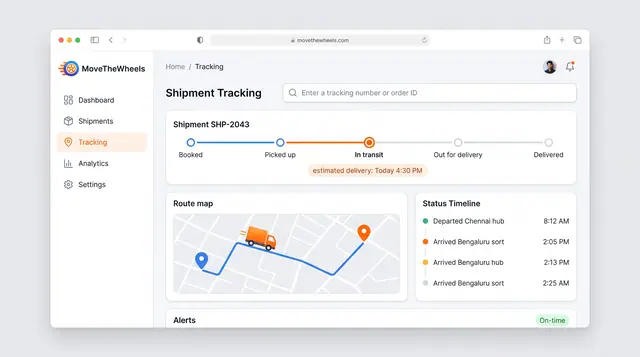
Shipment Tracking and Live Map
Follow one shipment from booking to delivery with an estimated arrival, then zoom out to every vehicle moving across the network.
2 illustrations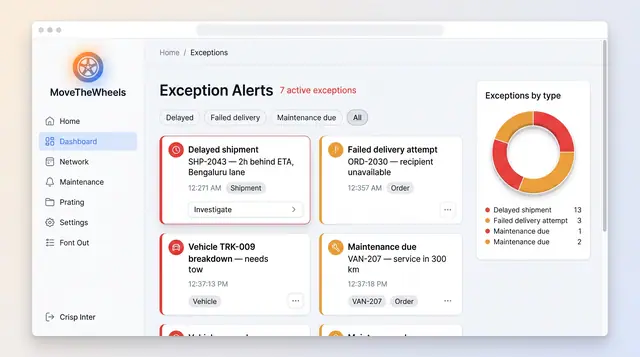
Exceptions and At-Risk Shipments
See delays, failed deliveries and maintenance issues in one board, plus a ranked queue of loads predicted to miss their window.
2 illustrations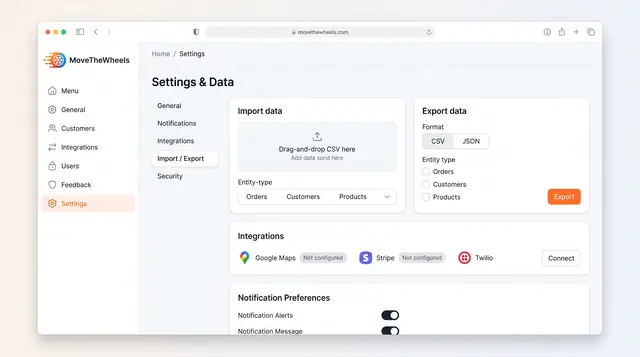
Data Import, Export and Integrations
Bring orders, customers and products in from CSV, export them as CSV or JSON, and connect maps, payments and messaging services.
1 illustration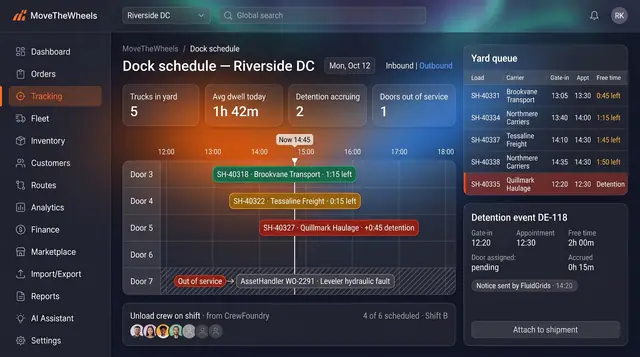
Dock Appointments and Detention Clock
Every dock door, appointment and truck in the yard on one board, with a free-time clock that turns dwell into evidence.
2 illustrations
Part of an industry solution
This concept appears in a cross-product solution on burdenoff.com — see how it works alongside other Burdenoff products to solve a problem in that industry.