Transit Bus Bridge Dispatch Board
When a rail segment is suspended, see each station's shuttle stop, the spare buses and operators on their way, and the plan riders are told.
These images are illustrations of the concept, not screenshots of the actual product.
Overview
In public transit, a rail segment can be suspended at short notice by a wire fault, a signal failure or an incident on the track, and riders still need to get between the affected stations. This MoveTheWheels concept illustrates a Bus Bridge board for the operator's bus dispatchers: one page per suspended line that holds the shuttle stops, the buses sent to serve them, the operators driving them and the notice riders are given.
A bus bridge is often pieced together over radio and phone. Dispatchers call depots for spare buses, check which ones are fit to run, look for operators to drive them and pass the stop list to whoever writes the rider notice, while the first riders are already waiting at the station. When the plan changes, the notice can fall behind the buses.
The illustration shows the board under Routes for one line and day, with Update rider notice and End bus bridge buttons. A red banner names the suspended segment, the cause and the time it began, and notes that the bus bridge was started by FluidGrids from a rail control request. Tiles count buses needed, assigned, operators needed and buses still to find. A Shuttle stops panel lists each affected station with the location of its shuttle stop, an accessibility symbol and a Posted badge. A Shuttle buses table gives each bus with the depot it comes from, its operator, its first stop, an estimated arrival and a status: en route, assigned, awaiting an operator and sent to CrewFoundry, or a coach requested from a marketplace provider. A bus that is off road on an AssetHandler work order sits in a hatched row marked Excluded. A Rider notice panel records the plan sent to FluidGrids, the notice approved and published, and the shuttle frequency riders are given, with a Request more buses button.
The board is designed to work with three other Burdenoff products. A rail control request is designed to trigger the FluidGrids workflow that opens the bus bridge, and the stop list and plan are designed to pass back to FluidGrids, which publishes the rider notice to every channel and republishes it when the plan changes. Buses AssetHandler lists as off road are left out, and operator gaps are designed to go to CrewFoundry for extraboard cover. When the depots cannot supply enough buses, a provider listed in the MoveTheWheels marketplace can be requested. Ending the bus bridge is designed to release the buses back to their blocks.
What this concept shows
- A suspension banner naming the segment, the cause and the FluidGrids workflow that started the bus bridge
- Tiles for buses needed, assigned, operators needed and buses still to find
- A shuttle stop for each affected station, with an accessibility symbol and a Posted badge
- A shuttle bus table with depot, operator, first stop, estimated arrival and status
- An operator gap sent to CrewFoundry, and an off-road AssetHandler bus excluded
- A coach requested from a marketplace provider when the depots run short
- A rider notice timeline that FluidGrids republishes when the plan changes
- Update rider notice, Request more buses and End bus bridge actions
How it works
- Rail control requests a bus bridge, and a FluidGrids workflow opens the board with the suspended segment marked.
- The board lists each affected station with its shuttle stop, and each stop is marked as posted.
- The dispatcher assigns spare buses by depot with their estimated arrival at the first stop, while buses AssetHandler lists as off road stay excluded.
- A bus without an operator is sent to CrewFoundry for extraboard cover.
- If the depots run short, the dispatcher requests more buses from a marketplace provider.
- The plan passes to FluidGrids, which publishes the rider notice and republishes it when the plan changes.
- When rail service resumes, the dispatcher ends the bus bridge and the buses return to their blocks.
Who it's for
- Bus dispatchers
- Rail operations controllers
- Depot managers
- Rider information teams
- Service planners
Illustrations
1 illustration of this concept. Select one to view it full size.
Bus Bridge Board for a Suspended Rail Segment
This illustration shows a light-themed Bus Bridge page for one line and date under Routes, with Update rider notice and End bus bridge buttons. A red banner reports service suspended between two stations after an overhead wire fault, started by FluidGrids from a rail control request. Tiles count buses needed, assigned, operators needed and still to find. A Shuttle stops panel lists three stations, each with its stop location, an accessibility symbol and a Posted badge. A Shuttle buses table lists bus, depot, operator, first stop, estimated arrival and status: two buses en route, one assigned, one awaiting an operator and sent to CrewFoundry, a coach requested from a marketplace provider, and a hatched off-road bus with its AssetHandler work order, marked Excluded. A Rider notice panel shows the plan sent to FluidGrids, the published notice and shuttle frequency, and a note that it is republished when the plan changes, above a Request more buses button. All data is sample data.
Topics
- bus bridge dispatch
- rail replacement bus service
- rail suspension shuttle buses
- transit bus dispatch board
- shuttle bus planning
- extraboard operator cover
- transit rider notice
- spare bus allocation by depot
- transit disruption management
- rail replacement coach hire
Related concepts
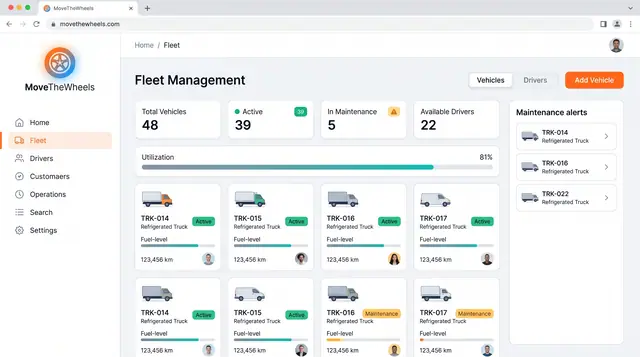
Fleet and Driver Management
See every vehicle and driver in one place: status, utilization, maintenance, documents and who is assigned to what.
3 illustrations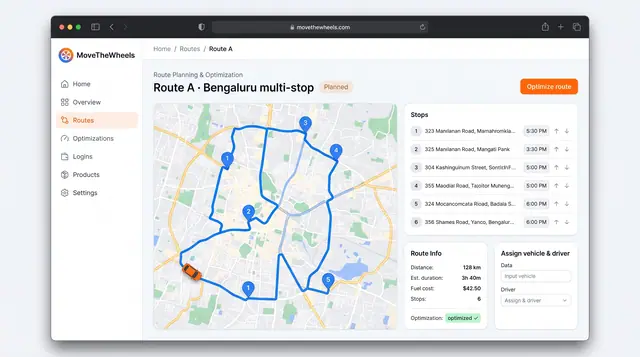
Route Optimization and Dispatch Proposals
Sequence multi-stop routes with distance, time and fuel cost in view, and review explained dispatch proposals before accepting them.
2 illustrations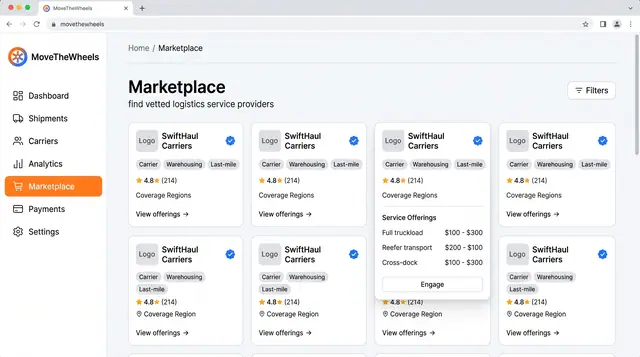
Logistics Provider Marketplace
Find vetted carriers, warehouses and last-mile partners, compare their offerings and ratings, and engage one when capacity runs short.
1 illustration
Part of an industry solution
This concept appears in a cross-product solution on burdenoff.com — see how it works alongside other Burdenoff products to solve a problem in that industry.