Retailer Shelf-Life Allocation Board
Released batches matched to orders by each customer's minimum shelf-life rule, with orders waiting on a held batch flagged in time.
These images are illustrations of the concept, not screenshots of the actual product.
Overview
In FMCG and consumer goods, a retailer's distribution center will often refuse stock that arrives with less than a set share of its shelf life left, and each retailer and distributor sets its own minimum. At the same time, some finished batches are still waiting on quality release. This MoveTheWheels concept illustrates a Shelf-Life Allocation board that brings the two together in the warehouse, so released stock goes to the orders whose rules it meets and the team sees early when an order depends on a batch that has not been released.
Without it, allocation is often worked out in a spreadsheet kept apart from the quality record. Older stock can be sent to a customer whose rule it no longer meets and come back as a rejection, or an order can wait on a held batch until the day it ships, when it is too late to split the shipment or warn the customer.
The illustration shows the board under Inventory for one plant's finished goods in a given week. Tiles count batches on QA hold, orders at shelf-life risk, batches released today and pallets near a customer's rule limit. An amber alert says that one sales order needs a held batch released by a stated time to meet its grocery customer's rule. A batch table lists batch, SKU with pack size, manufacture date, life left, QA status and allocation: an older batch steered to distributors only with a Below rule badge, a batch on micro hold with its result due time, reserved for the order at risk, batches allocated to pharmacy and distributor orders with Near rule limit and Released badges, and one unallocated batch. A Customer rules card lists the minimum life at receipt for a grocery distribution center, a pharmacy chain and distributors, and an Order at risk card gives the order's cases and ship time with Split shipment and Notify customer service buttons.
The concept is designed to work with two other Burdenoff products. Release and hold decisions, with each batch's manufacture date and shelf life, are designed to arrive from ManufacturedOps through a FluidGrids batch release automation, as chips in a card at the lower right note. MoveTheWheels is designed to keep each customer's rule, allocate released stock first-expiry-first-out to the orders whose rules it meets, steer batches below a customer's rule to channels that accept them and record every allocation change.
What this concept shows
- Tiles for batches on QA hold, orders at shelf-life risk, batches released today and pallets near a rule limit
- An alert naming the order that needs a held batch released, and by when
- A batch table with manufacture date, life left, QA status and allocation
- Below rule and Near rule limit badges measured against each customer's minimum
- A Customer rules card with each customer's minimum life at receipt
- An Order at risk card with Split shipment and Notify customer service actions
- QA status from ManufacturedOps, passed by a FluidGrids batch release automation
How it works
- ManufacturedOps records a release or hold decision, and a FluidGrids automation passes it on with the batch's manufacture date and shelf life.
- The board shows each batch's life left beside each customer's minimum at receipt.
- Released stock is allocated first-expiry-first-out to orders whose rules it meets, and batches below a rule are steered to channels that accept them.
- An order that only a held batch can satisfy is flagged with the time the batch's result is needed.
- The planner splits the shipment or notifies customer service, and the allocation change is recorded.
Who it's for
- Inventory and allocation planners
- Customer service and order desk teams
- Quality assurance leads
- Distribution center managers
- Supply chain managers
Illustrations
1 illustration of this concept. Select one to view it full size.
Shelf-Life Allocation by Batch and Customer Rule
This illustration shows a light-themed Shelf-Life Allocation page for one plant's finished goods and week, with Inventory selected in the sidebar. Tiles count batches on QA hold, orders at shelf-life risk, batches released today and pallets near a rule limit. An amber alert says a sales order needs a held batch released by a set time to meet a grocery customer's rule. A table of batches lists batch, SKU and pack size, manufacture date, life left, QA status and allocation, with Below rule, Result due, Near rule limit and Released badges and one batch unallocated. On the right, a Customer rules card lists minimum life at receipt for a grocery distribution center, a pharmacy chain and distributors, and an Order at risk card shows the order's cases and ship time with Split shipment and Notify customer service buttons. Chips in a card at the lower right note QA status from ManufacturedOps, passed by a FluidGrids batch release automation. All data is sample data.
Topics
- shelf life allocation
- minimum remaining shelf life
- retailer shelf life rules
- FEFO allocation
- first expiry first out
- batch QA hold tracking
- finished goods allocation
- consumer goods order allocation
- short-dated stock management
- quality release before shipping
Related concepts
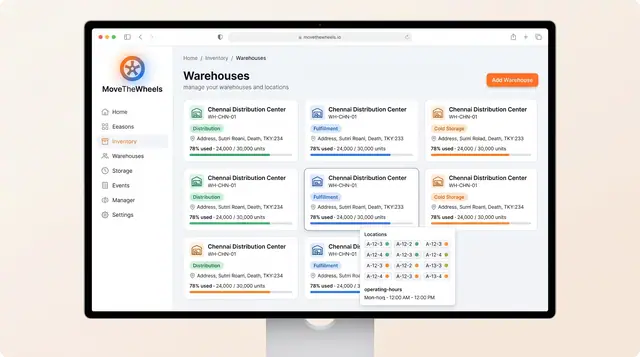
Warehouses, Inventory and Product Catalog
Track warehouse capacity and bin locations, keep on-hand, allocated and available stock honest, and record how each product is handled.
3 illustrations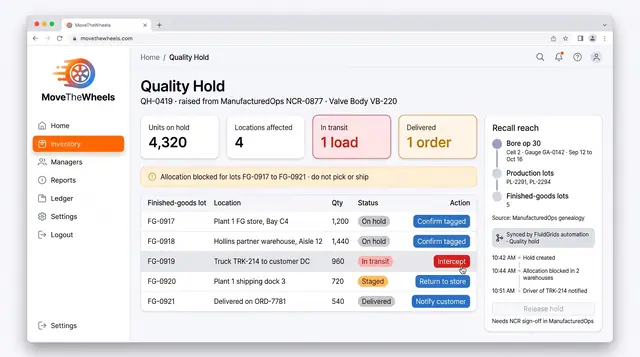
Suspect Lot Hold for Finished Goods
Put every pallet from a suspect production lot on hold, wherever it sits: plant store, partner warehouse or a truck on the road.
1 illustration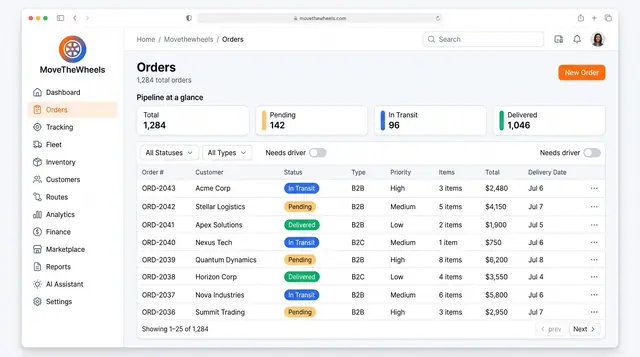
Order Lifecycle Management
Book a delivery, watch it move through the pipeline, assign a driver and vehicle, and keep its documents with the order.
3 illustrations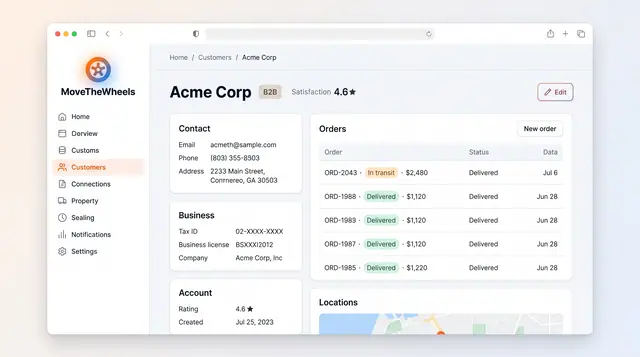
Customer Directory and Order History
A single customer record with contact, business and account details, the customer's order history and delivery locations.
1 illustration
Part of an industry solution
This concept appears in a cross-product solution on burdenoff.com — see how it works alongside other Burdenoff products to solve a problem in that industry.