
Suspect Lot Hold for Finished Goods
Put every pallet from a suspect production lot on hold, wherever it sits: plant store, partner warehouse or a truck on the road.
These images are illustrations of the concept, not screenshots of the actual product.
Overview
In manufacturing, a quality problem found on the line rarely stays on the line. By the time a nonconformance is raised, the production lots it touched have become finished goods sitting in a plant store, a partner warehouse, a staged dock or a truck heading to a customer. This MoveTheWheels concept illustrates a Quality Hold board that puts all of that stock on hold from one place. It applies equally to automotive and mobility suppliers, where a suspect component lot has to be contained before it reaches an assembly plant or a dealer.
Holds are often placed by SKU, which either freezes good stock along with bad or misses units that have already left the building. The concept holds by lot instead: finished-goods lot numbers are designed to travel from ManufacturedOps onto MoveTheWheels stock and shipment lines, from the advance shipment notice at receiving through putaway, so a hold can target exactly the lots the recall scope names.
The illustrated board names the hold, the nonconformance report it was raised from and the affected part. Tiles count units on hold, locations affected, loads in transit and delivered orders, and a banner states that allocation is blocked for the held lot range, with an instruction not to pick or ship. A table lists each finished-goods lot with its location, quantity, status and a next action that fits where it is: Confirm tagged for stock in a plant store or partner warehouse, Intercept for the load on a truck, Return to store for pallets staged at a shipping dock and Notify customer for an order already delivered.
A Recall reach panel shows where the hold came from: a machining operation with its cell, gauge and date range, leading to production lots and then to finished-goods lots, with ManufacturedOps genealogy named as the source. A note shows the hold was synced by a FluidGrids automation, and a timeline records the hold being created, allocation blocked in two warehouses and the truck's driver notified. The Release hold button is shown disabled, with a note that it needs the nonconformance report signed off in ManufacturedOps; the design envisions the same FluidGrids automation then releasing the hold lot by lot, with each step on the audit trail. Within MoveTheWheels, the board builds on warehouse inventory, shipment tracking and order records.
What this concept shows
- A hold header naming the source nonconformance report in ManufacturedOps and the affected part
- Tiles for units on hold, locations affected, loads in transit and delivered orders
- A banner that blocks allocation for the held lot range with a do-not-pick-or-ship instruction
- A lot table with location, quantity, status and an action suited to where the stock is
- Confirm tagged, Intercept, Return to store and Notify customer actions for stores, trucks, docks and delivered orders
- A recall reach chain from machining operation to production lots to finished-goods lots, sourced from ManufacturedOps genealogy
- A FluidGrids sync note and a timestamped timeline of the hold, the allocation block and the driver notice
- A Release hold control that waits for nonconformance sign-off in ManufacturedOps
How it works
- A nonconformance in ManufacturedOps declares production lots suspect, and a FluidGrids automation is designed to create the hold in MoveTheWheels.
- Open the Quality Hold board to see units on hold, affected locations, in-transit loads and delivered orders.
- Check the banner confirming that allocation is blocked, so no held lot is picked or shipped.
- Work through the lot table: confirm tagging in stores and warehouses, intercept the truck and return staged pallets to store.
- Notify the customer who has already received a held lot.
- Review the recall reach and timeline, and release the hold once quality signs off the report in ManufacturedOps.
Who it's for
- Quality managers
- Plant logistics and warehouse managers
- Distribution and transport planners
- Customer service leads
- Automotive parts supplier quality teams
Illustrations
1 illustration of this concept. Select one to view it full size.
Quality Hold Board with Recall Reach
This illustration shows a Quality Hold page in a light theme, with Inventory selected in the sidebar. The header names the hold, the ManufacturedOps nonconformance report it was raised from and the affected valve body part. Four tiles count units on hold and locations affected, with in-transit loads in red and delivered orders in amber. An amber banner says allocation is blocked for the held lot range and not to pick or ship. The table lists finished-goods lot, location, quantity, status and action: two lots On hold in a plant store and a partner warehouse with Confirm tagged, one In transit on a truck with a red Intercept button, one Staged at a shipping dock with Return to store, and one Delivered with Notify customer. A Recall reach panel traces a bore operation to production lots and finished-goods lots, sourced from ManufacturedOps genealogy, notes a FluidGrids sync, lists timestamped events and shows a disabled Release hold button awaiting sign-off. All data is sample data.
Topics
- quality hold finished goods
- suspect lot containment
- lot-level inventory hold
- product recall logistics
- in-transit shipment intercept
- nonconformance hold
- lot genealogy traceability
- block allocation by lot
- automotive parts containment
- recall scope by production lot
Related concepts
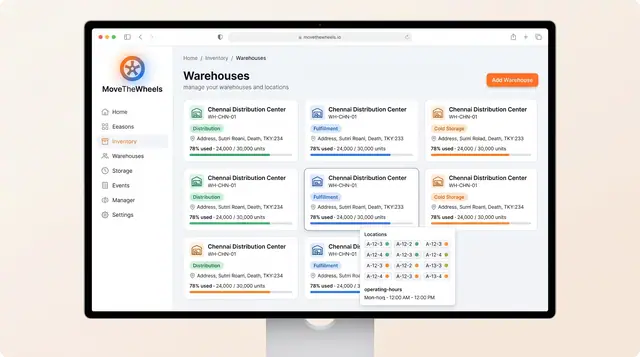
Warehouses, Inventory and Product Catalog
Track warehouse capacity and bin locations, keep on-hand, allocated and available stock honest, and record how each product is handled.
3 illustrations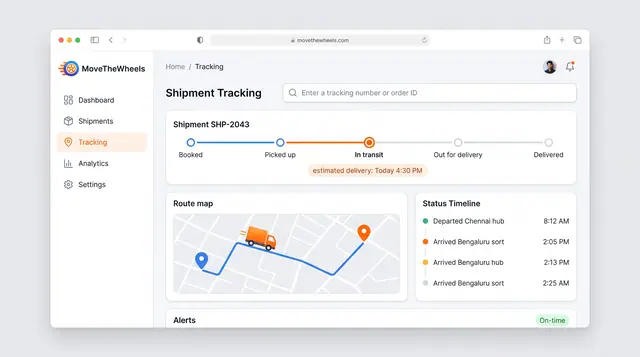
Shipment Tracking and Live Map
Follow one shipment from booking to delivery with an estimated arrival, then zoom out to every vehicle moving across the network.
2 illustrations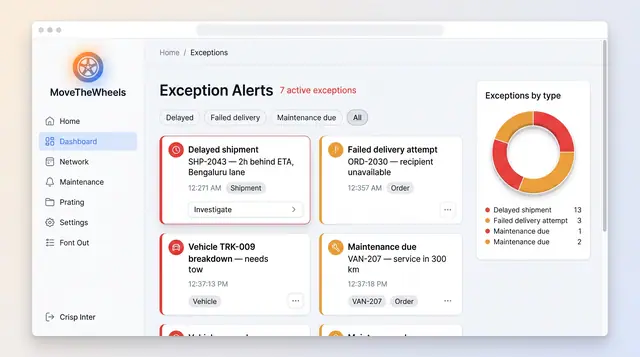
Exceptions and At-Risk Shipments
See delays, failed deliveries and maintenance issues in one board, plus a ranked queue of loads predicted to miss their window.
2 illustrations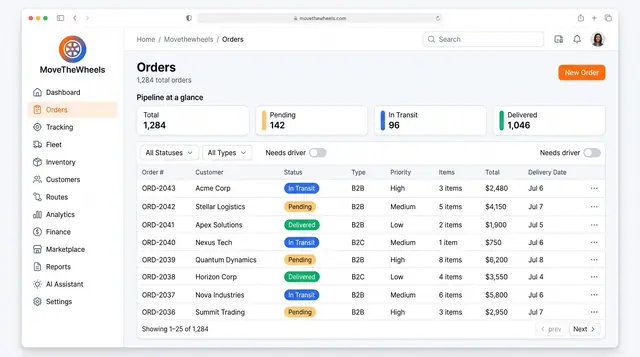
Order Lifecycle Management
Book a delivery, watch it move through the pipeline, assign a driver and vehicle, and keep its documents with the order.
3 illustrations
Part of industry solutions
This concept appears in cross-product solutions on burdenoff.com — see how it works alongside other Burdenoff products to solve a problem in that industry.
Industry solution
Manufacturing
Is designed to put every finished-goods lot in scope on hold across plant stores, partner warehouses and trucks, with one clear action per location.
See the solution(opens in a new tab)
Industry solution
Automotive & Mobility
Is designed to match every van in scope to its yard slot, carrier load, depot bay or customer delivery and place the right hold, each tied back to the non-conformance.
See the solution(opens in a new tab)