
Retail Returns Grading and Restock Queue
Every return tracked from pickup to dock, graded for restock, outlet or recycle, and handed back as a refund-ready order.
These images are illustrations of the concept, not screenshots of the actual product.
Overview
In retail and e-commerce, a return ties up stock and cash until someone opens the carton. This MoveTheWheels concept illustrates a Returns queue under Orders that treats each return as a reverse shipment linked to its store order. It is designed for retailers and equally for fashion and lifestyle brands, where fit reasons such as too long or too small are common and a garment's condition decides whether it can go back on sale.
Returns usually pass through several hands without a shared record: the storefront knows the reason, the driver knows the pickup, the warehouse knows the condition, and finance waits for all three before it can refund. Items sit ungraded at the dock, and the pattern behind them, such as one product that keeps coming back as too long, is noticed late.
The desktop illustration opens with tiles for returns awaiting pickup, in transit back, at the dock ungraded and refund-ready, and a Grade next button. Reason chips filter the queue by too long, too small, wrong color, damaged or changed mind. Each row shows the return and its order, the item, reason, condition, disposition and refund status, with an age in days: restock dispositions carry the bin the unit goes back to, others go to outlet or recycling, and refunds show as ready, in review or held. A side chart counts this week's reasons for one product. The mobile illustration gives the driver a Return pickup checklist: scan the return label, photograph the item, choose its condition and confirm the bag is sealed, with the shopper's reason shown and a banner stating that the refund is held until the item is graded at the dock.
The design connects three Burdenoff products around the reverse shipment. Each return authorized in Kadaikodi is designed to arrive as a reverse shipment linked to its order with the shopper's reason, and a completed grade is designed to mark the refund ready for Kadaikodi, shown in the queue as ready and sent. Return reasons and dispositions are designed to flow through a FluidGrids workflow into a BigConsole returns console, noted on the reasons chart, so merchandising teams can see which products come back and why. Within MoveTheWheels, restocked units are designed to return to available stock by bin, and the pickup screen carries the same Deliveries, Map, Scan and Profile tabs as the driver app.
What this concept shows
- Tiles for returns awaiting pickup, in transit back, at the dock ungraded and refund-ready
- Reason filter chips for too long, too small, wrong color, damaged and changed mind
- A returns table with order, item, reason, condition, disposition, refund status and age
- Restock dispositions with a bin location, plus outlet and recycle outcomes
- Refund status chips for ready, review and held, with a ready refund marked as sent to Kadaikodi
- A weekly reasons chart for one product, noted as feeding BigConsole via FluidGrids
- A driver pickup checklist with label scan, item photo, condition choice and a sealed-bag toggle
- A refund-held banner and a shopper-not-home option on the pickup screen
How it works
- A return authorized in Kadaikodi arrives as a reverse shipment linked to its order, with the shopper's reason.
- The driver scans the return label, photographs the item, records its condition, seals the bag and confirms pickup.
- The return moves from in transit back to at the dock, ungraded.
- The dock team uses Grade next to grade condition and choose restock, outlet or recycle.
- Restocked units go back to a bin in available stock, and the completed grade marks the refund ready for Kadaikodi.
- Reasons and dispositions flow through FluidGrids to BigConsole for product and merchandising review.
Who it's for
- Returns and reverse logistics managers
- Warehouse and dock teams
- E-commerce operations leads
- Fashion and apparel merchandisers
- Delivery drivers
Illustrations
2 illustrations of this concept. Select one to view it full size.
Returns Queue with Reasons and Dispositions
This illustration shows a Returns page in a light theme, reached through a Home, Orders, Returns breadcrumb and subtitled as reverse shipments linked to store orders, with a Grade next button. Four tiles count returns awaiting pickup, in transit back, at the dock ungraded and refund-ready. Filter chips cover all reasons, too long, too small, wrong color, damaged and changed mind. The table lists return number, order, item, reason, condition, disposition, refund and age. Sample apparel items include trousers, a cardigan, a pack of tees and a beanie. Conditions range from as new and tags on to worn once and a split seam; dispositions include restock to a named bin, outlet and a red recycle chip; and refund chips read ready and sent to Kadaikodi, ready, review, or held for a return still awaiting pickup. A side card charts this week's reasons for one product as horizontal bars, with a note that it feeds BigConsole via FluidGrids. All data is sample data.
Driver Return Pickup Checklist
This illustration shows a Return pickup screen on a phone for a single-item return linked to its order. A highlighted banner states that the refund is held until the item is graded at the dock. A numbered checklist follows: Scan return label is complete with the label number shown, Photo of item offers a photo capture tile beside a thumbnail of a knitted beanie in a clear bag, Condition is a segmented choice of as new, worn or damaged with as new selected, and Bag sealed is a toggle switched on. An information row shows the reason the shopper gave, wrong color. A large Confirm pickup button sits above a Shopper not home link. The tab bar offers Deliveries, Map, Scan and Profile, with Scan active, matching the MoveTheWheels driver app. The return is the same one shown as awaiting pickup in the desktop queue. All details are sample data.
Topics
- retail returns management
- reverse logistics software
- returns grading
- restock returned items
- return disposition
- return pickup app
- refund after return grading
- e-commerce returns queue
- apparel return reasons
- returns analytics
Related concepts
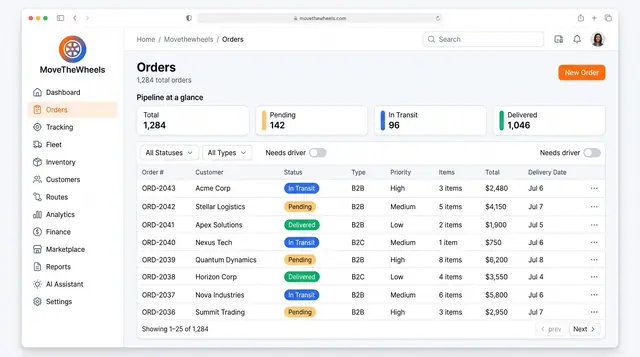
Order Lifecycle Management
Book a delivery, watch it move through the pipeline, assign a driver and vehicle, and keep its documents with the order.
3 illustrations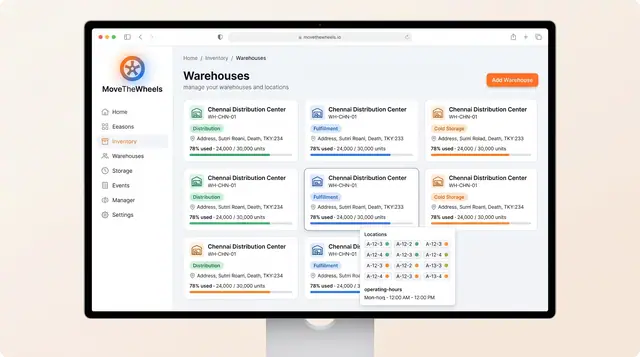
Warehouses, Inventory and Product Catalog
Track warehouse capacity and bin locations, keep on-hand, allocated and available stock honest, and record how each product is handled.
3 illustrations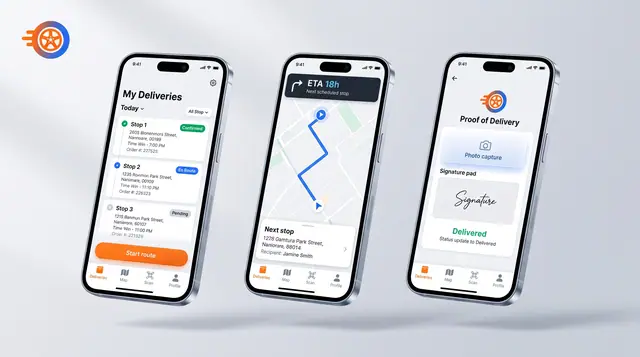
Driver Mobile App
Give drivers their day's stops, guidance to the next one and photo-and-signature proof of delivery on their phone.
1 illustration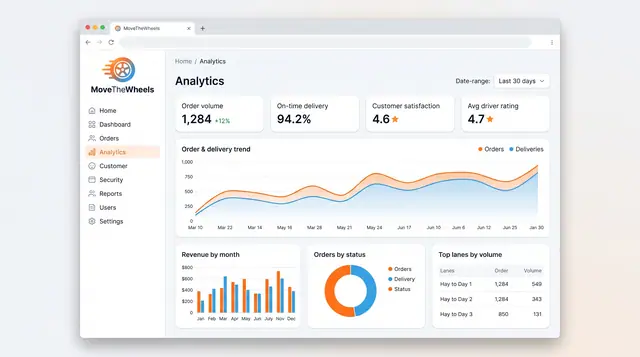
Analytics and Scheduled Reports
Follow order volume, on-time delivery, revenue and busiest lanes, then generate, export and schedule the reports your team relies on.
2 illustrations
Part of industry solutions
This concept appears in cross-product solutions on burdenoff.com — see how it works alongside other Burdenoff products to solve a problem in that industry.

Industry solution
Retail & E-commerce
Tracks each return from pickup to dock, grades condition and disposition, restocks units by bin, and marks the refund ready for Kadaikodi.
See the solution(opens in a new tab)
Industry solution
Fashion & Lifestyle
Scans each returned parcel against its order line and reason, records a grade and a disposition, and moves restockable pieces straight back to a bin.
See the solution(opens in a new tab)